


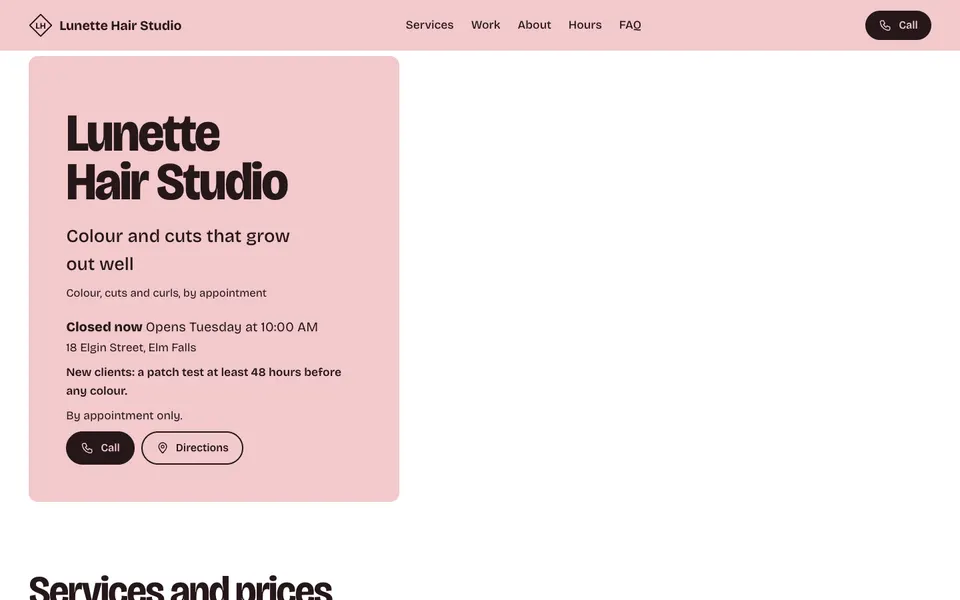
19 hair salon templates that show your services, prices and work the way clients compare salons.

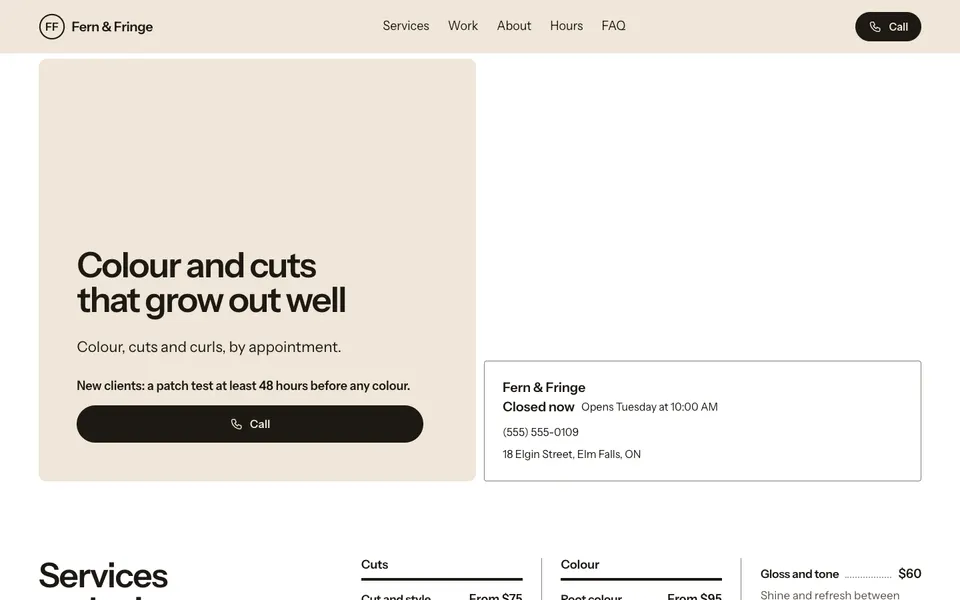

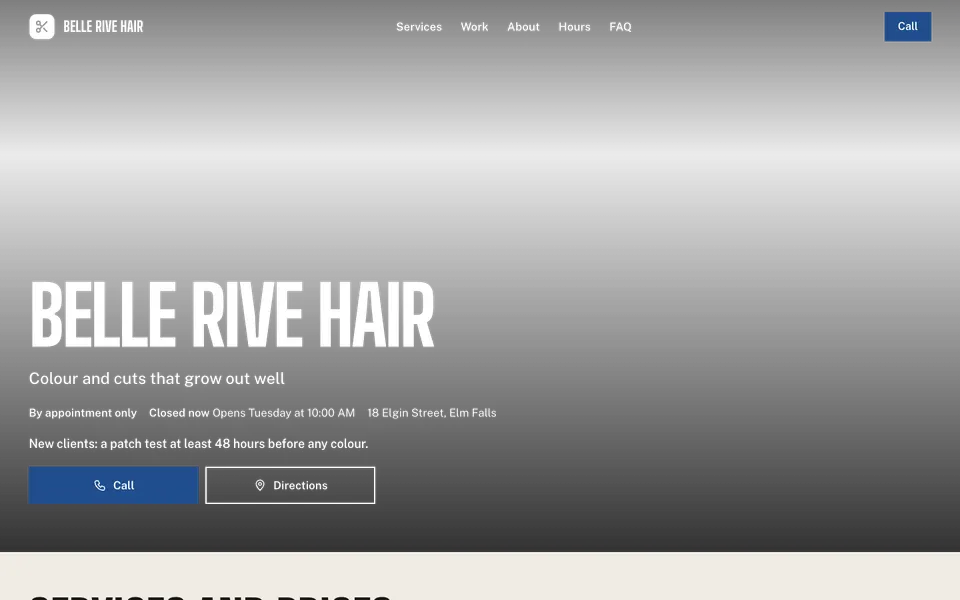

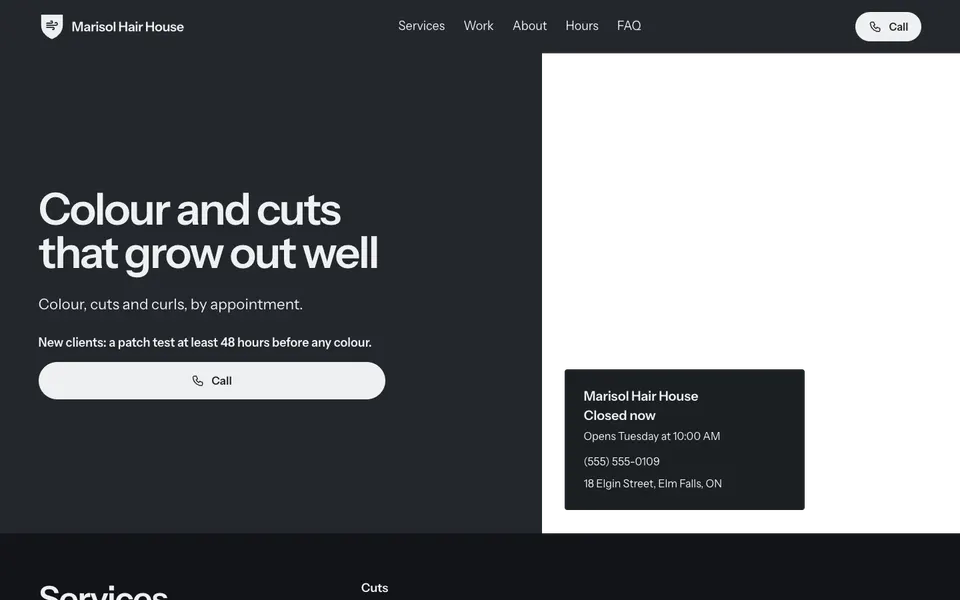

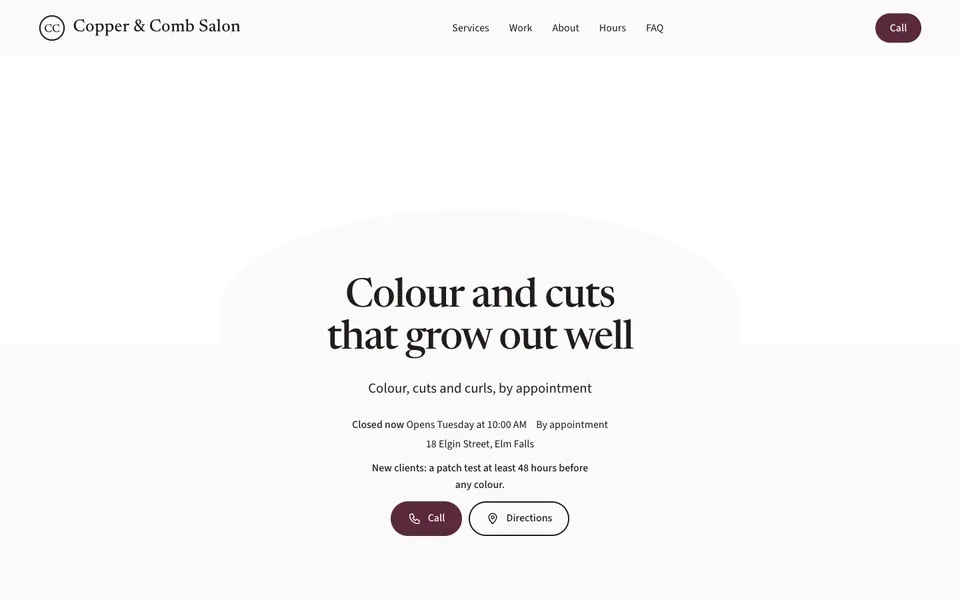


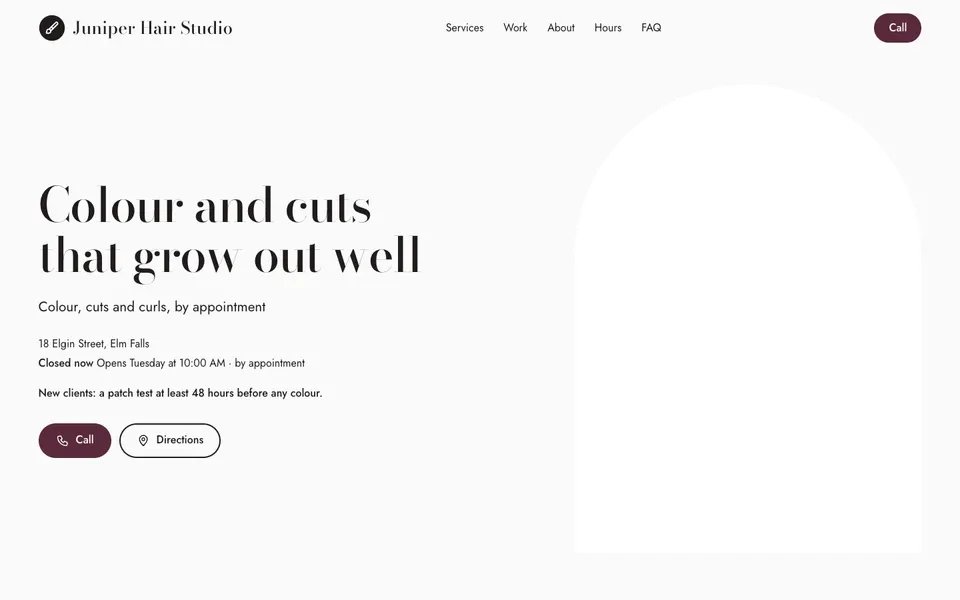


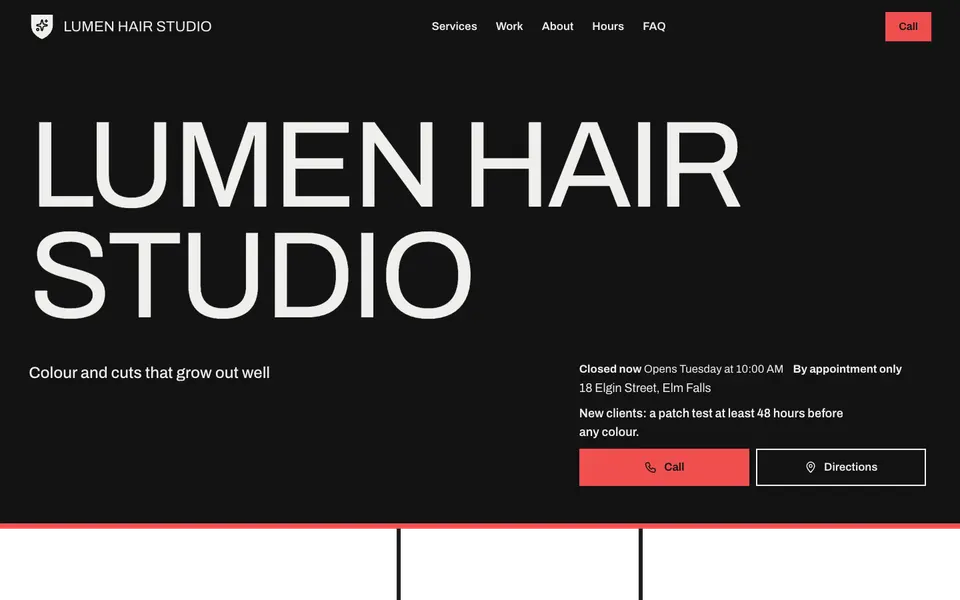

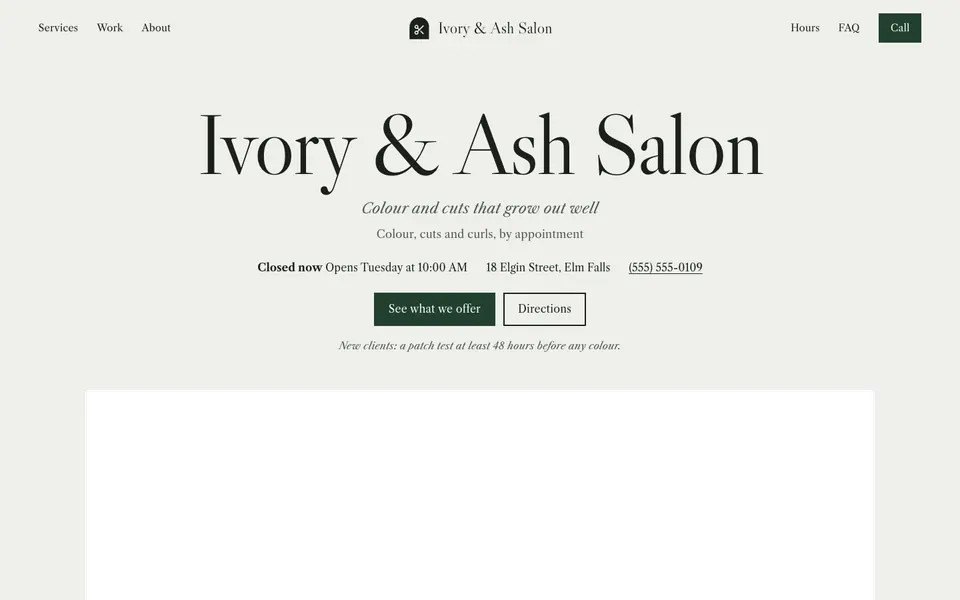
Clients compare salons on price, on the work they can see and on how easy it is to get in. Every hair salon template groups your services (Cuts, Colour, Treatments) with prices, from-prices and durations, so "Balayage from $180, about 3 hours" reads at a glance.
A gallery called Our work shows your colour and cuts, the about section introduces the salon, and your hours and address sit near a Call button. With Pro, the Team section shows each stylist, and a Book a time button opens Fresha, Vagaro, Booksy or the service you already use.
Start with your core services and honest from-prices, then add the stylists' work. If colour needs a consultation first, say so in the service's description so new clients know what to expect.
Yes. Use a from-price ("From $120") or a price range ("$120 to $180") on any service.
In the gallery, called Our work on salon websites, with a caption on each photo if you like. Free includes up to 50 photos.
With Pro, yes. A Book a time button opens the booking service you already use, such as Fresha, Vagaro, Booksy or Square Appointments.
Start with the closest kind of business, then change the look, colours and photos whenever you like.