
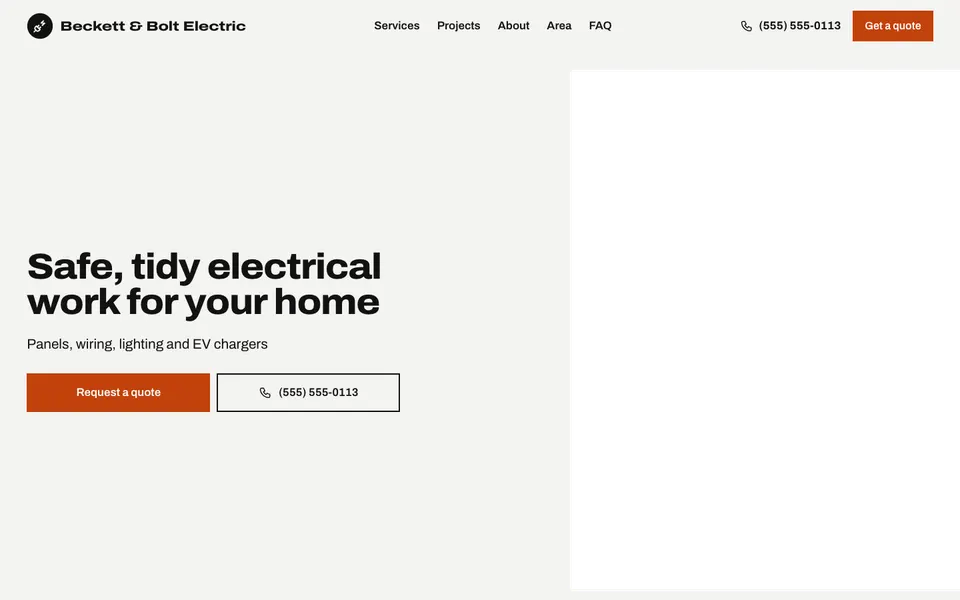
16 electrician templates with your number up front, your services, the area you cover and a quote form.


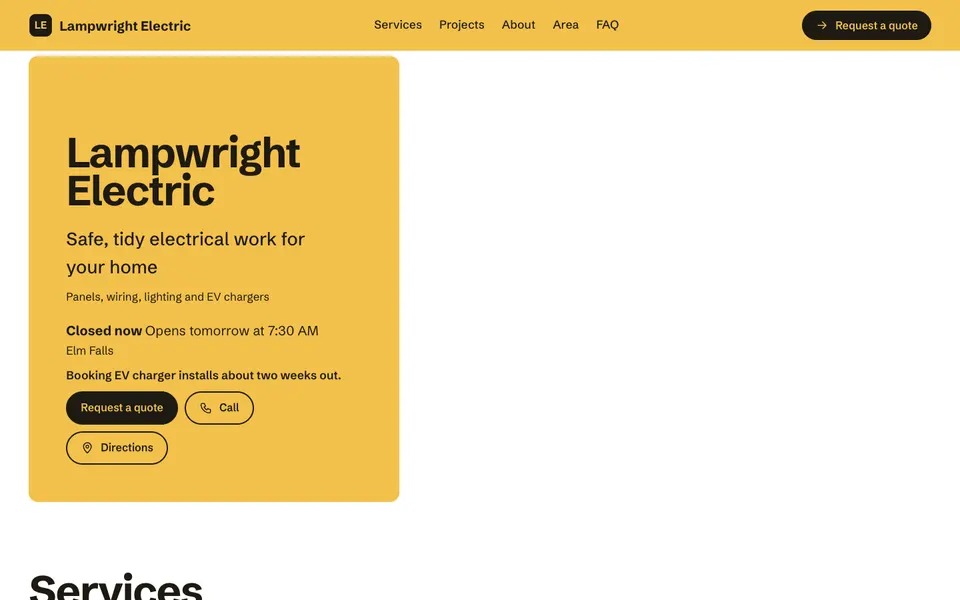


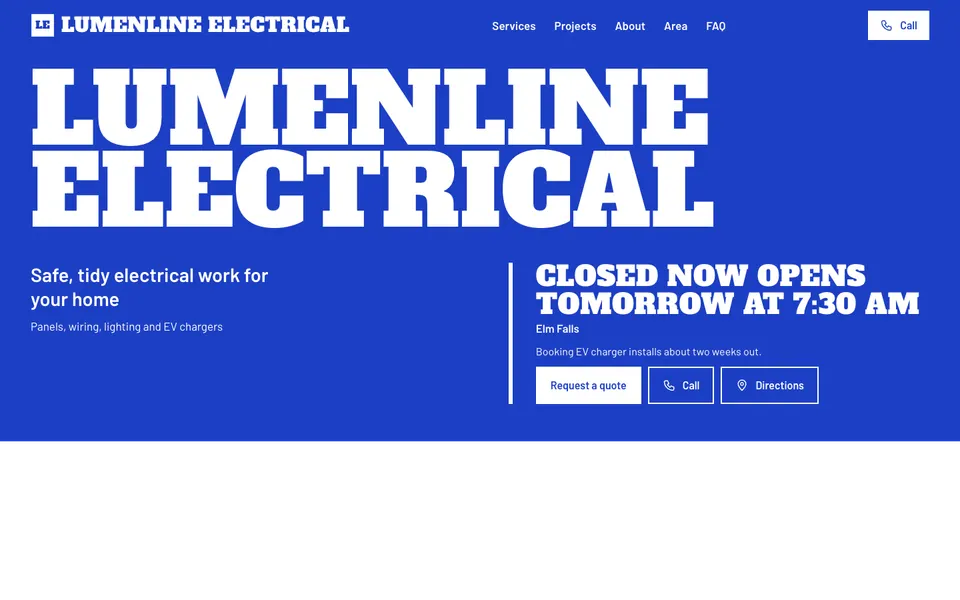

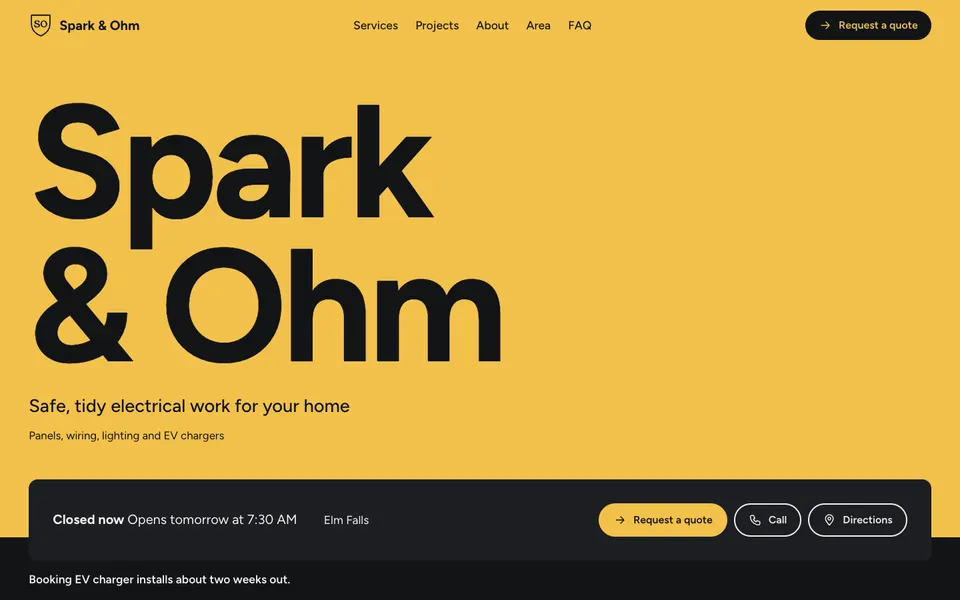


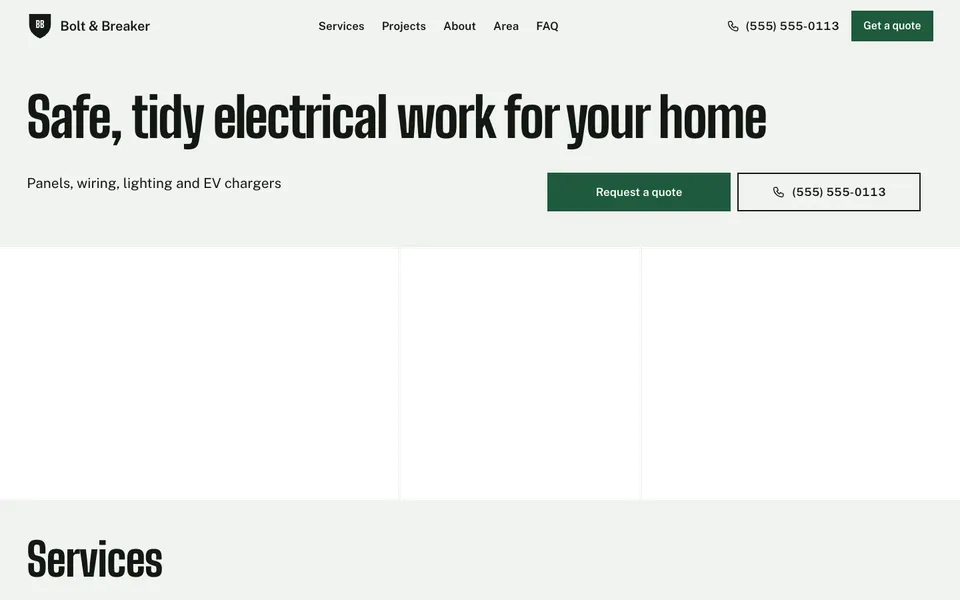

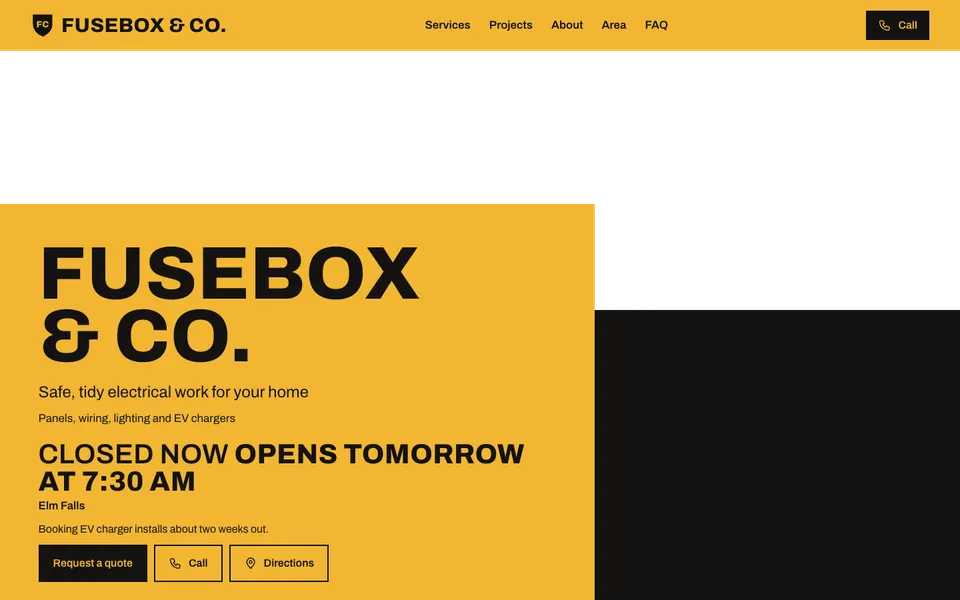
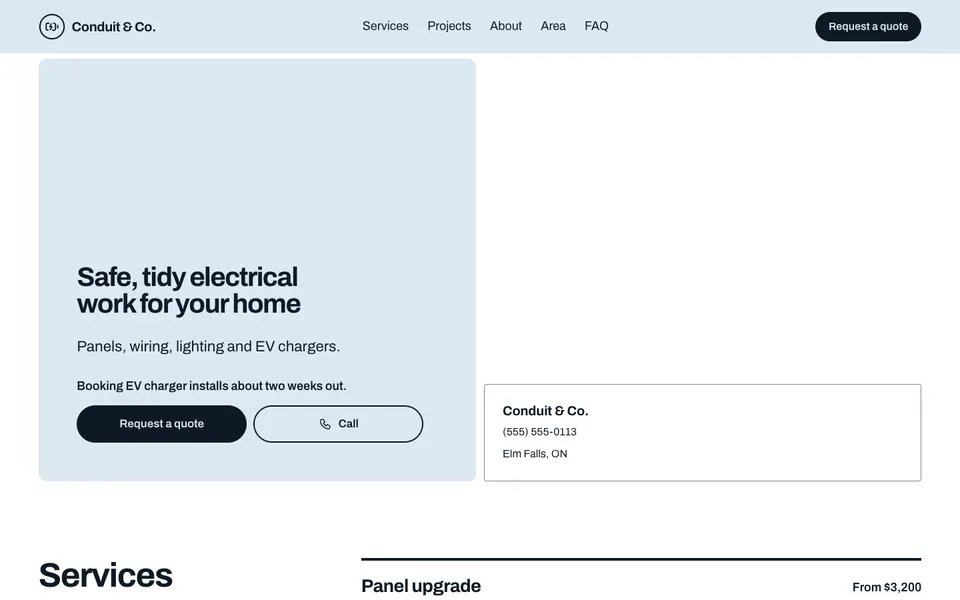


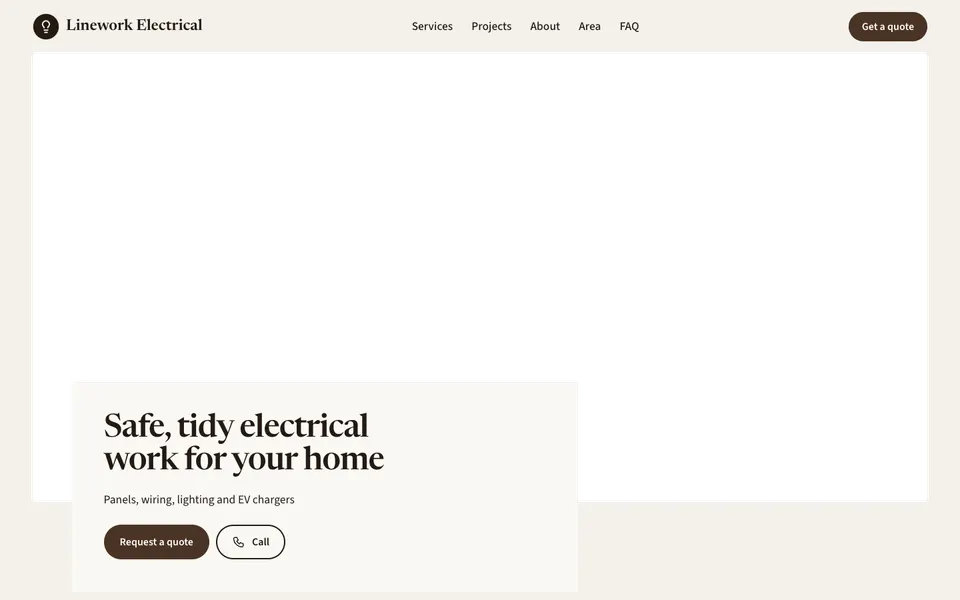


People hiring an electrician want reassurance as much as a phone number: that you're qualified, that you cover their area and that the job is in your range. Every template shows your number and a Call button first, then your services with from-prices, from panel upgrades to EV chargers.
Your licence number goes in the footer's legal line, your credentials can sit in the about section, and the service area lists the places you work. A Projects gallery and a quote form round it out. With Pro, the Team section shows your electricians.
Start with your number, your service area and the jobs you most want more of. A few photos of tidy panels and finished installs show the care you take.
In the legal line, which appears in the footer of your website. Check with your regulator for what you need to show.
Yes. The availability line sits near your phone number, for example "Emergency call-outs evenings and weekends".
No. The quote form takes a name, contact details and a description of the job.
Start with the closest kind of business, then change the look, colours and photos whenever you like.