Tax preparer website templates
12 templates for tax preparers, with your prices, how you meet and a line at the top for this season's deadlines.
Tax preparer templates12
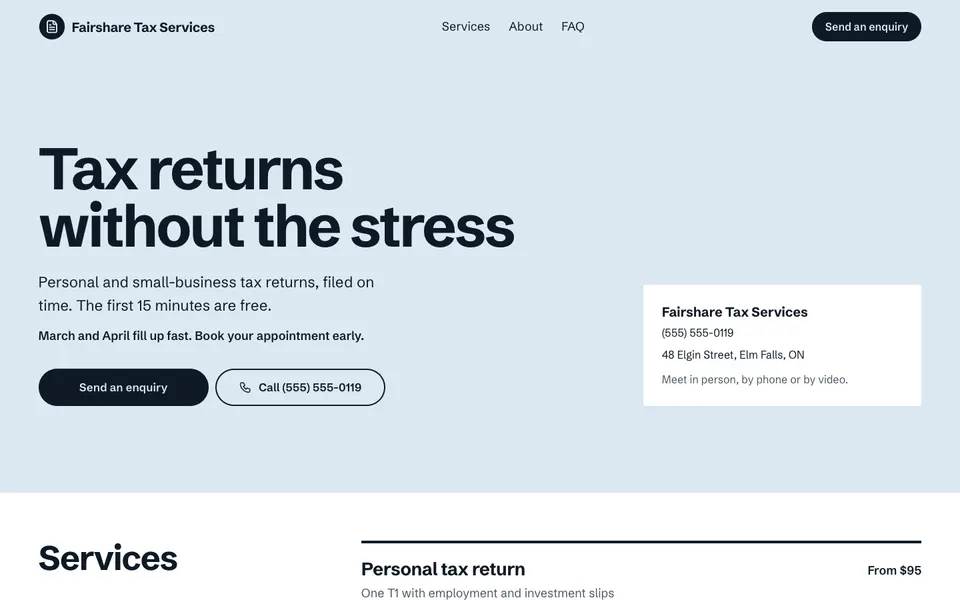
- Use this template: Fairshare Tax Services
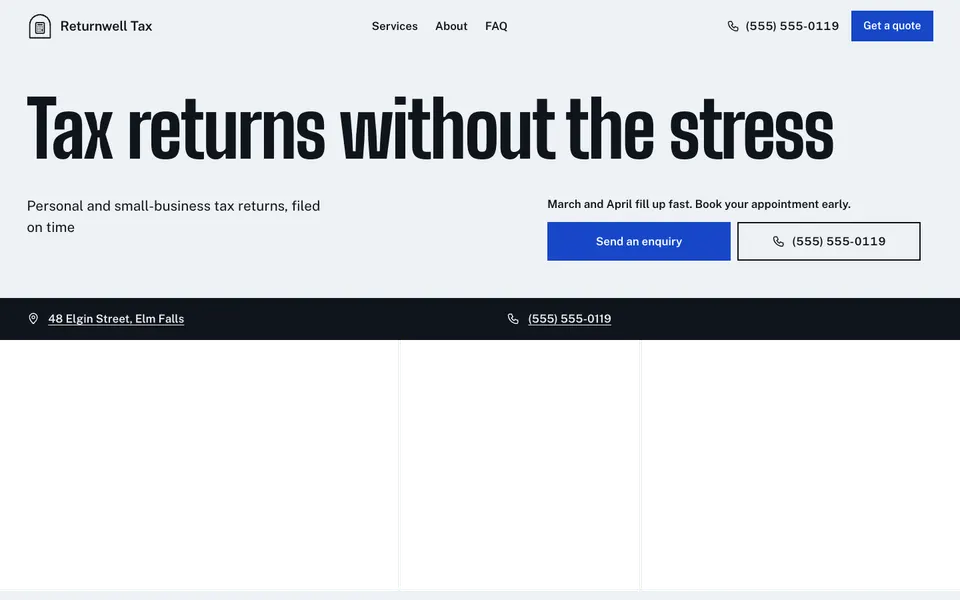
- Use this template: Returnwell Tax
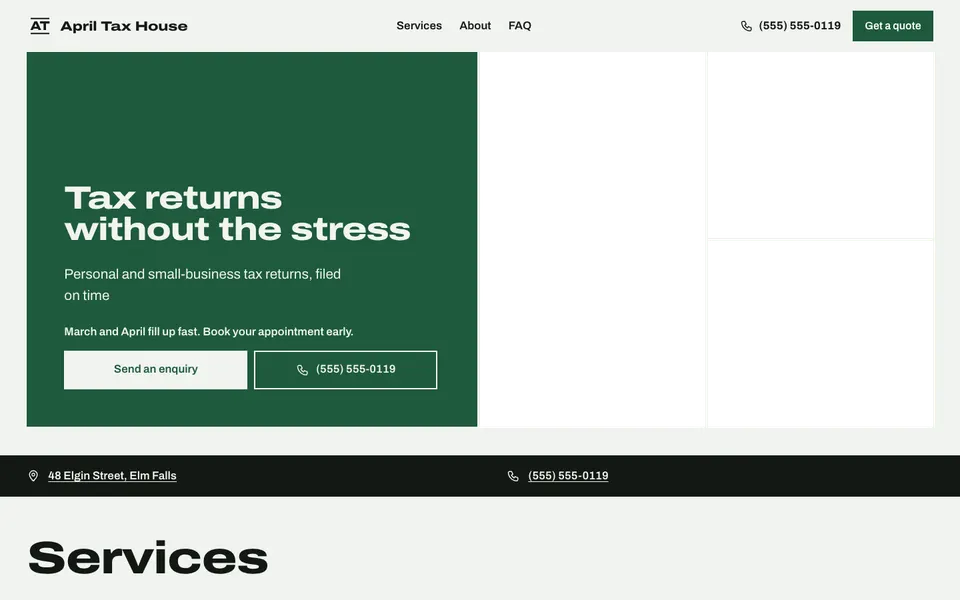
- Use this template: April Tax House
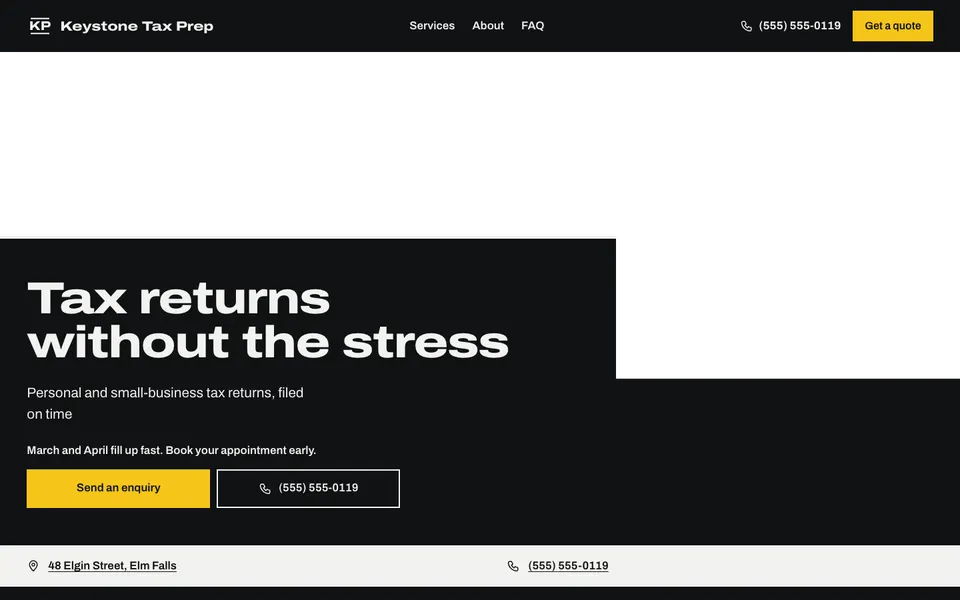
- Use this template: Keystone Tax Prep
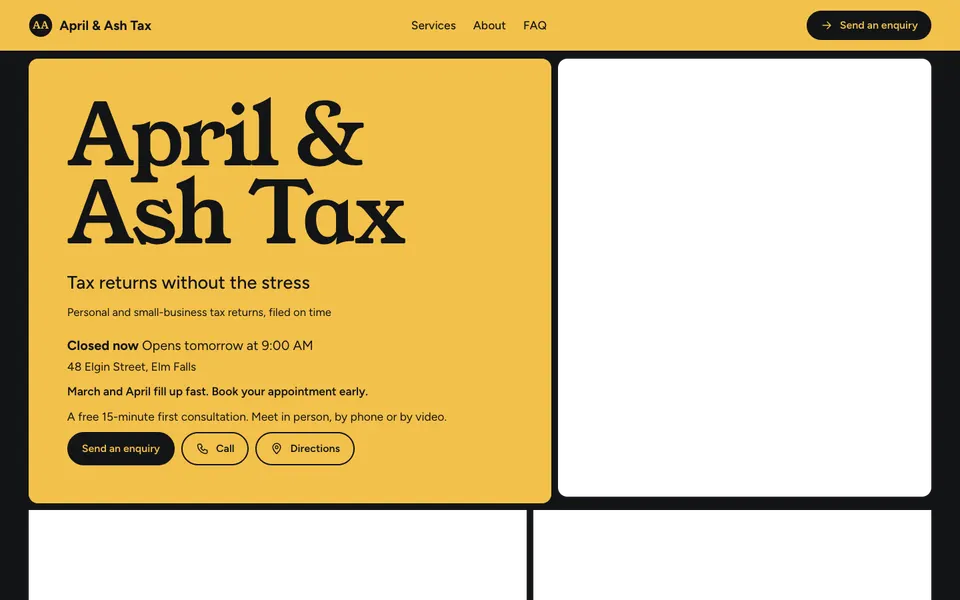
- Use this template: April & Ash Tax
- Use this template: Slip & File Tax

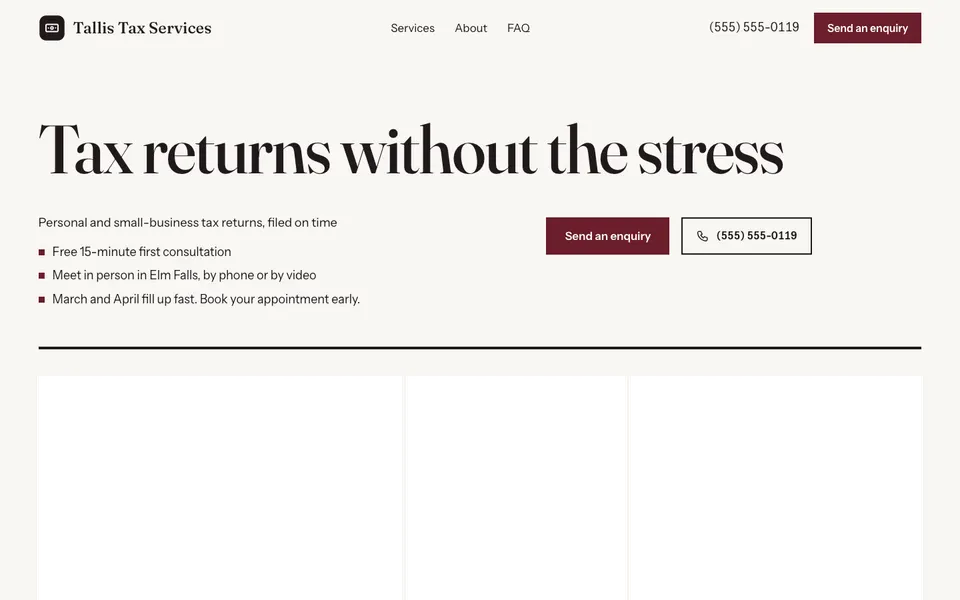
- Use this template: Tallis Tax Services
- Use this template: Clearslip Tax Services

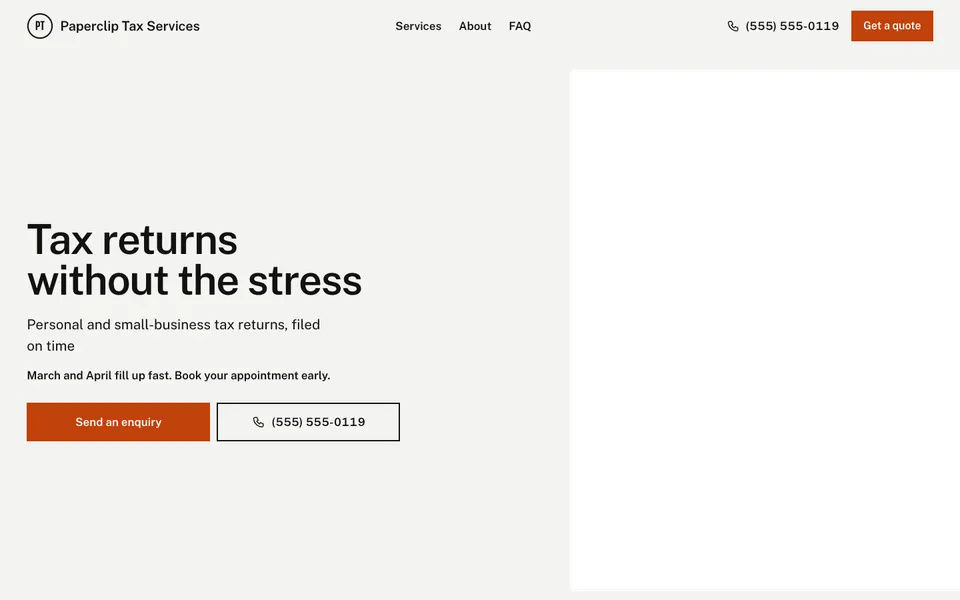
- Use this template: Paperclip Tax Services
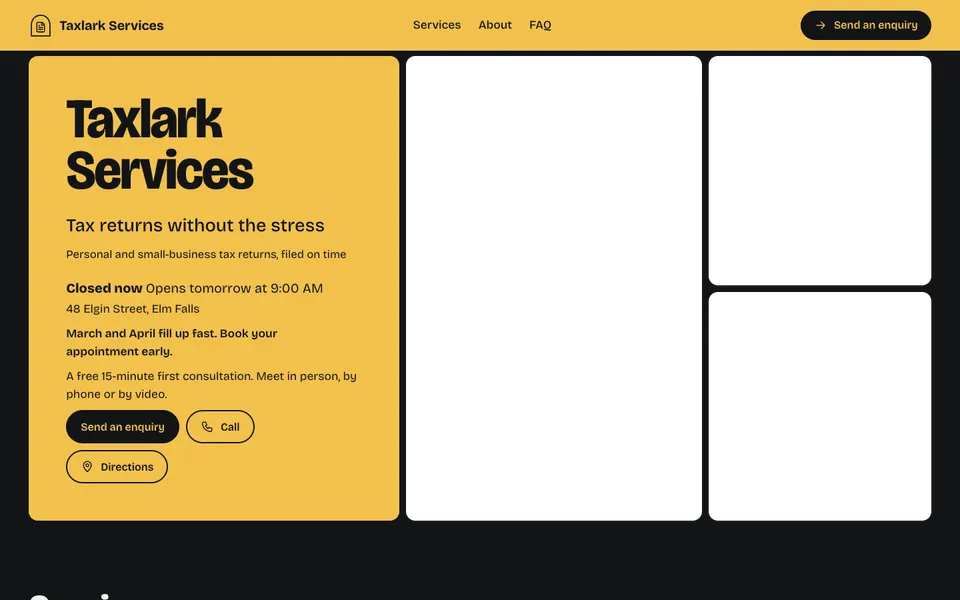
- Use this template: Taxlark Services
- Use this template: Calmfile Tax

- Use this template: Benton Tax Prep


What a tax preparer website needs
Tax season brings a rush of the same questions: what do you charge, can you do my kind of return, and can I drop off or do it online. Every template lists your services with prices (personal returns, self-employed, corporate) and says how you meet: in person, by video or by phone.
The notice line at the top is made for deadlines and drop-off hours, questions and answers are on by default, and an enquiry form sends questions to your inbox. Credentials and a footer line for a registration number make it clear who will do the work.
Start with your prices for the most common returns and how people can reach you. When the season ends, change the notice line to say you're taking year-round bookkeeping or planning work.
Questions about tax preparer websites
Can I post this year's deadlines?
Yes. Put them in the notice line at the top of the website and change it from your phone as the season moves.
Can I show prices for different kinds of returns?
Yes. List each kind of return as a service with a price or a from-price.
Can clients send documents through the website?
No. The enquiry form takes a message, and you arrange documents with clients directly.
Have something else in mind?
Start with the closest kind of business, then change the look, colours and photos whenever you like.