
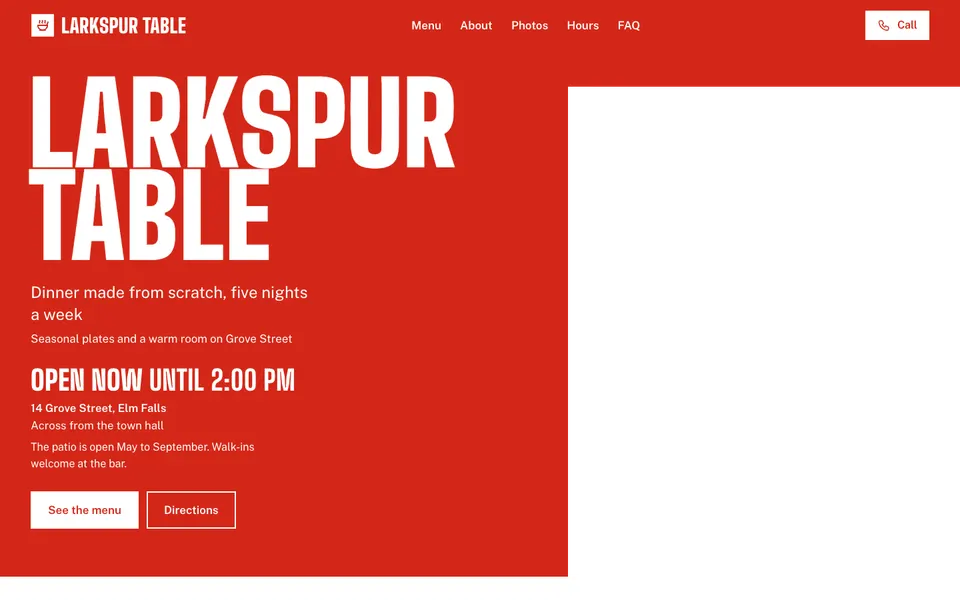
Larkspur Table
Restaurants
- Bold
- Light
Suddn gives your pizzeria a website with your pizzas, sizes and prices, your hours and a Call button for phone orders, built from your name in under a minute. It's free for a one-page website; Pro, available at launch, is $16.67 a month billed yearly or $19.99 monthly and adds Order online buttons for Uber Eats, DoorDash and SkipTheDishes.
Every theme is free, with palettes or your own colour. Open an example to try it on a phone.
rosastaqueria.suddn.page
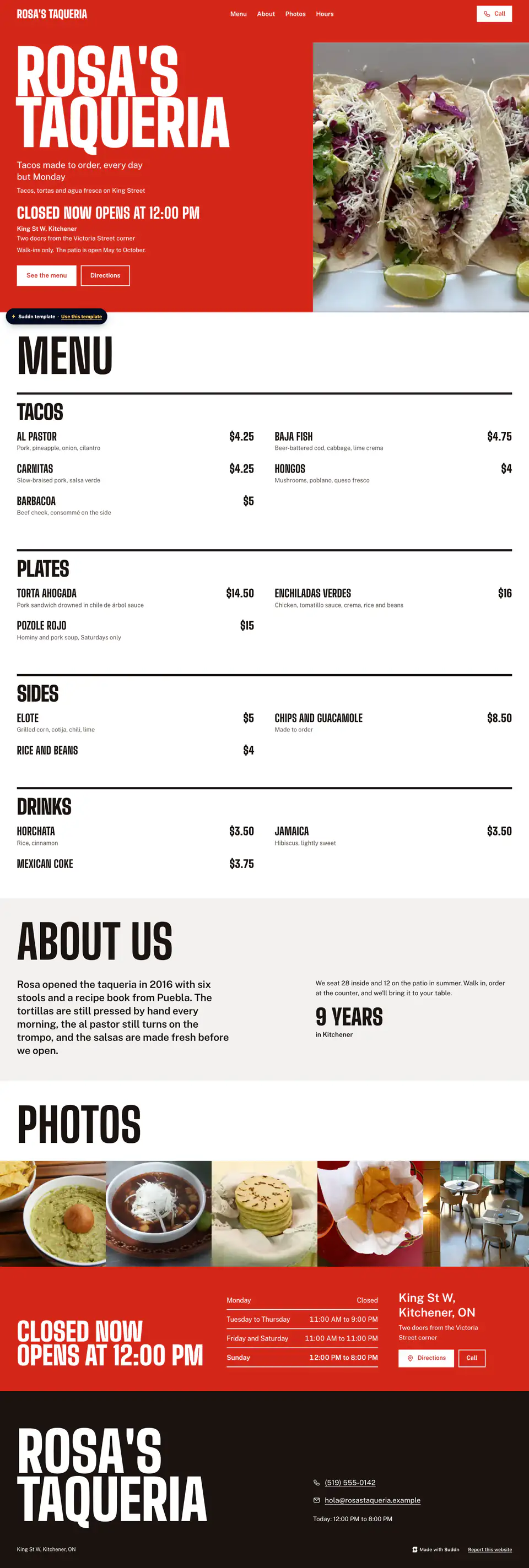
Counter · casual restaurants
Open the examplejuniperflowers.suddn.page
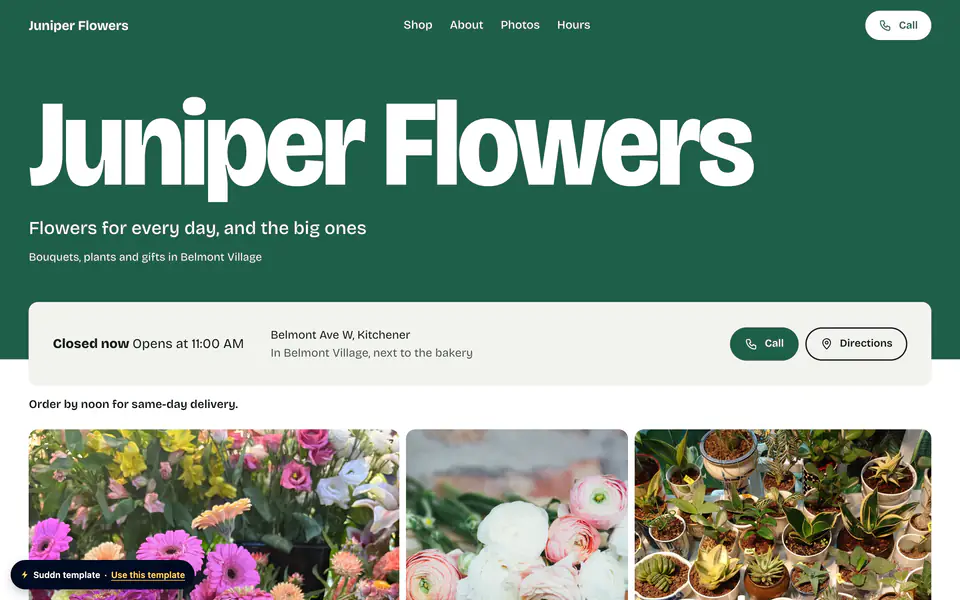
Commons · any small business
Open the examplebramblebistro.suddn.page
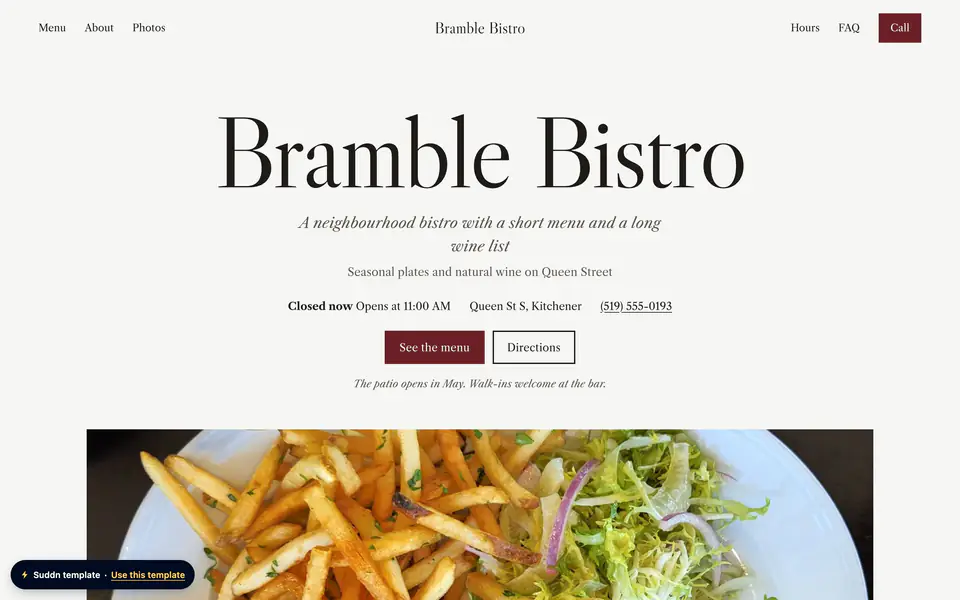
Supper · bistros, dining rooms and wine bars
Open the exampleA Suddn template.



When someone wants pizza, they want it now. They aren't browsing: they want your menu, your sizes and a way to order in the next thirty seconds. If your website makes them hunt for the phone number, they open a delivery app and pick whoever's at the top.
Pizza menus are also awkward to put online. Two or three sizes, a price per topping, Tuesday specials and a family deal. A photo of the paper menu is hard to read on a phone and goes out of date with every price change.
Suddn is built around the order. Every website has a Call button, so a phone order is one tap away. On Pro, Order online buttons open your listing on Uber Eats, DoorDash or SkipTheDishes.
Two Ovens Pizza is an example pizzeria menu. Each item has one price, so the sizes and their prices go in the line under the name. Rosa's Taqueria, an example taqueria, shows the Counter theme's menu board live.
Example content
On every plan, the Call button turns a hungry visitor into a phone order. On Pro, Order online buttons open your Uber Eats, DoorDash or SkipTheDishes listing, so people who'd rather tap than talk can order there.
Suddn never takes the order or the payment: the button opens the service you already use. Pro also counts Call taps, so you can see how many calls started on your website (taps, not finished orders).
Write each pizza's sizes and prices in its line ("12-inch $16, 16-inch $22") and give the item the price of its smallest size. Group the menu into Pizzas, Sides, Drinks and Deals so it's easy to scan on a phone.
Running two-for-Tuesday? Put it in the notice line at the top, and change it back on Wednesday. Every save is live straight away.
Not yet. Today they order by phone with the Call button, or on Pro through the Order online button to Uber Eats, DoorDash or SkipTheDishes. Ordering and payments on your own website are Coming soon, part of Business.
No. It's part of Pro, at $16.67 a month billed yearly or $19.99 monthly, available at launch. Suddn adds nothing to the order; the delivery service's own terms are between you and them.
Write them in the line under the pizza ("10-inch $13, 12-inch $16, 16-inch $22") and give the item the price of the smallest size. Menu items have one price each, so the line under the name carries the sizes.
Not yet, unless it's Uber Eats, DoorDash or SkipTheDishes. Suddn checks every ordering link belongs to one of those services; email hello@suddn.co with the name of yours to ask for it.
Yes, in words. Food businesses don't get a separate service area section, so write it in your About text or as a question in your Questions section ("Do you deliver to Westside?").
Yes, on every plan. The QR code opens your website, where the menu and the Call button are, and it keeps working when your prices change.
Free to start. No account needed until you publish.
Build my website free