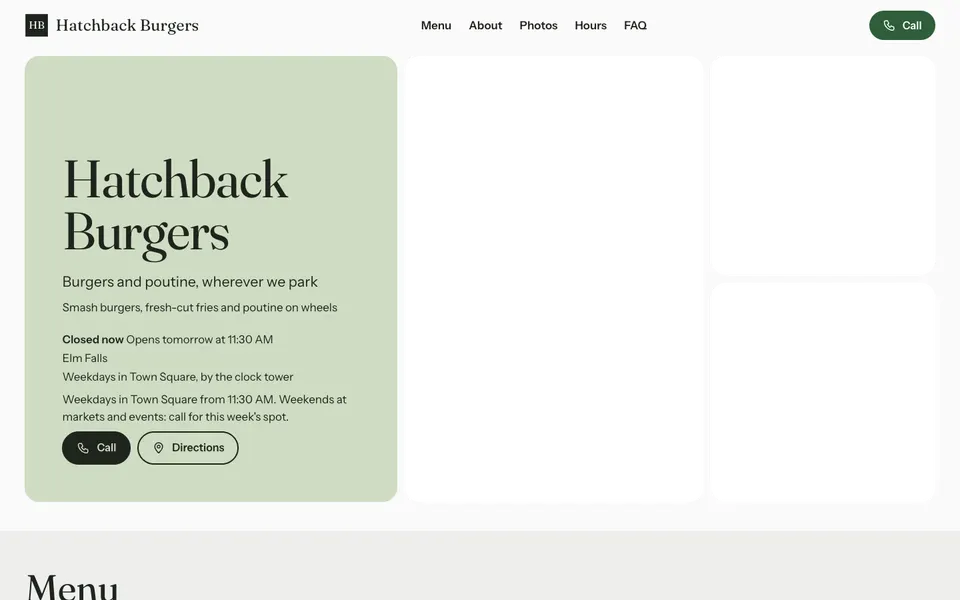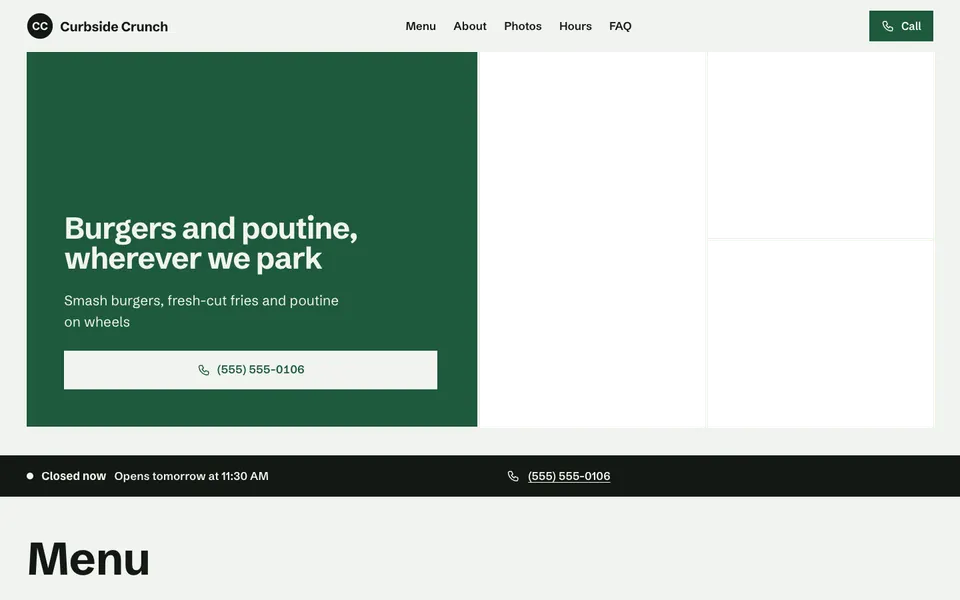
13 food truck templates with today's spot at the top, your menu and the hours you're serving.

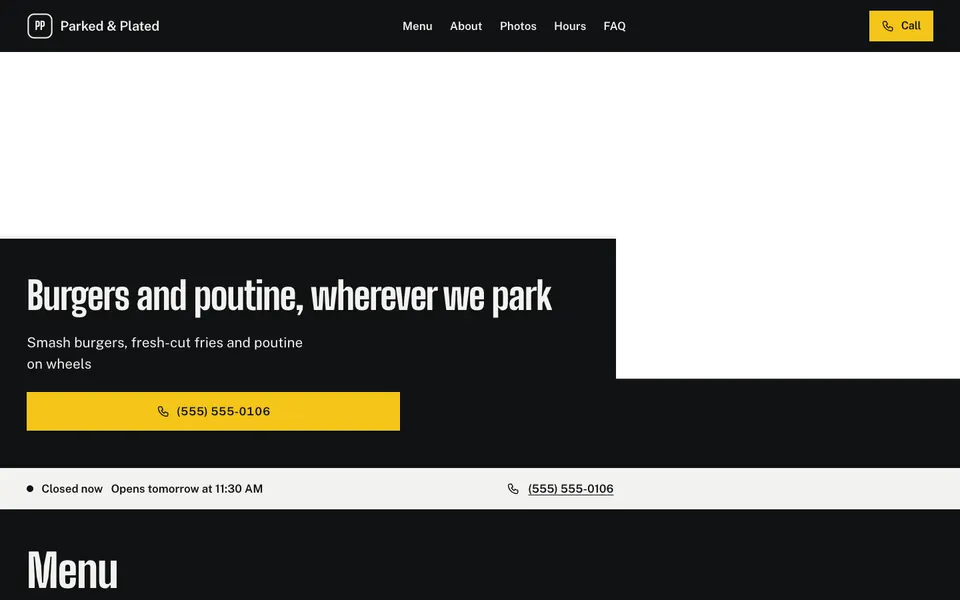

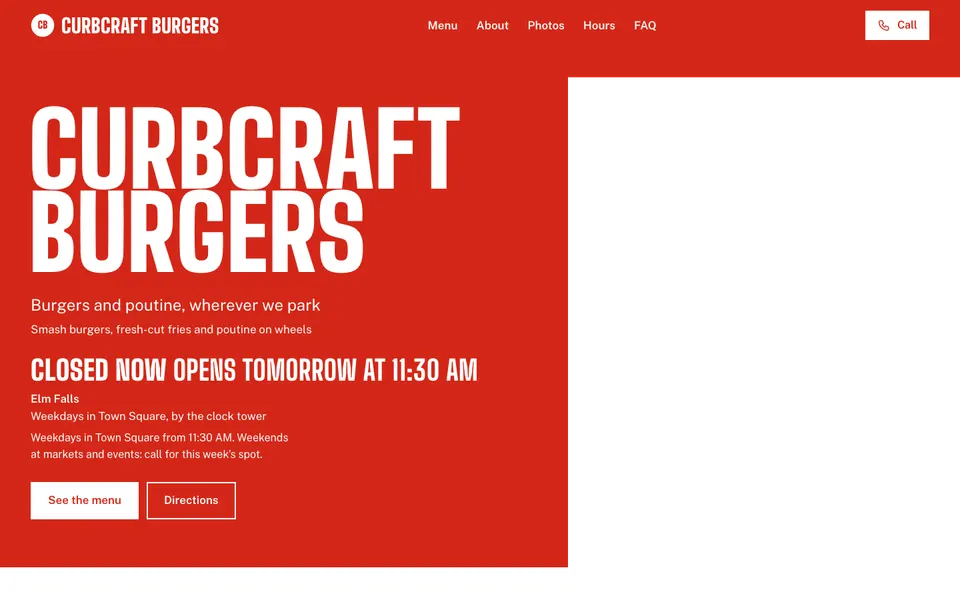

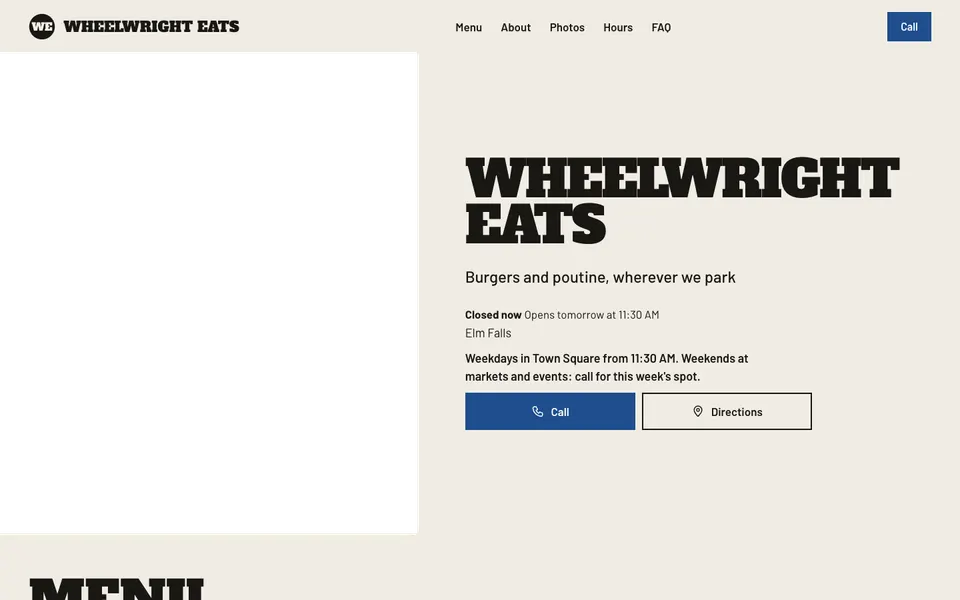


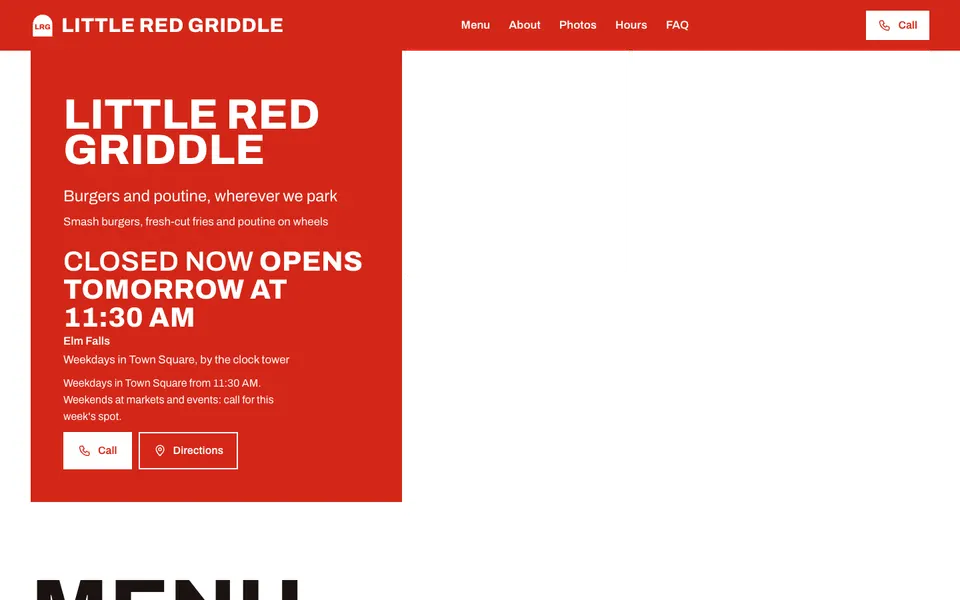


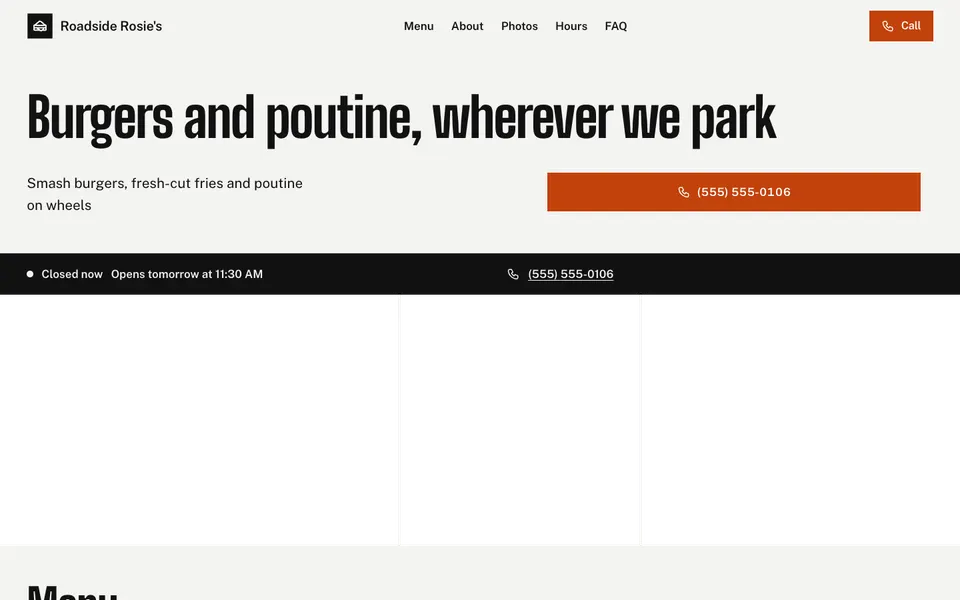


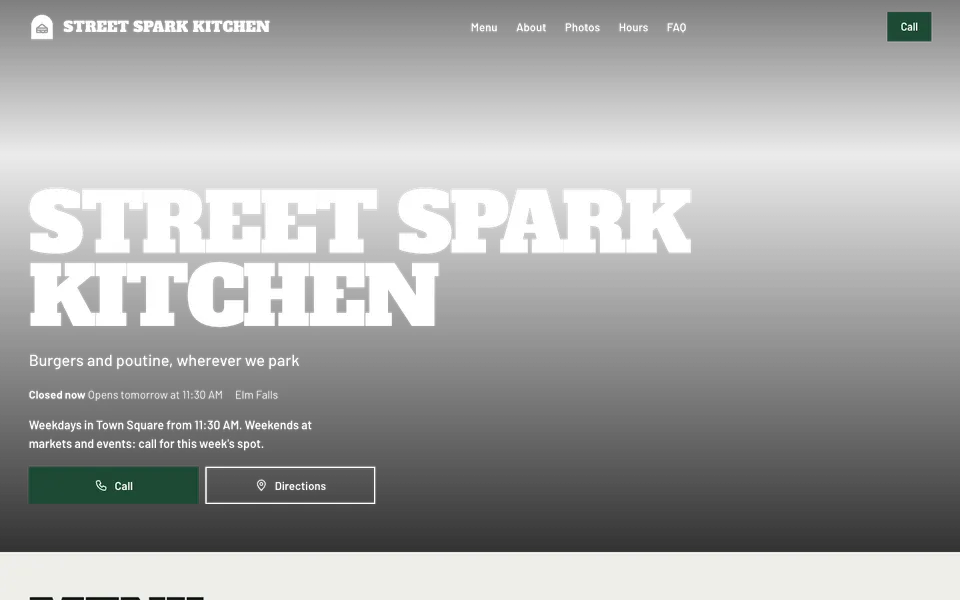


A food truck's website changes every day, because the most important fact moves: where you are. Every template has a notice line at the very top for today's spot ("Corner of Main and 3rd until 2 pm"), which you change from your phone in seconds.
Under it come your menu with prices, your usual hours, a Call button (and a Message button if you turn it on), and photos of the food and the truck. Weekly locations as a schedule aren't a feature yet, so most trucks write the week in the about section and today's spot in the notice.
Keep the menu short and the prices clear, since people read it standing in line. A photo of the truck itself helps people spot you at a busy market or a street corner.
Use the notice line at the top of the website. Change it from your phone each morning, and it's live the moment you save.
No. Write your usual week in the about section, and keep today's spot in the notice line.
Yes, if your number can receive texts. Turn on the Message button in Design, then Features. It's off by default.
Start with the closest kind of business, then change the look, colours and photos whenever you like.