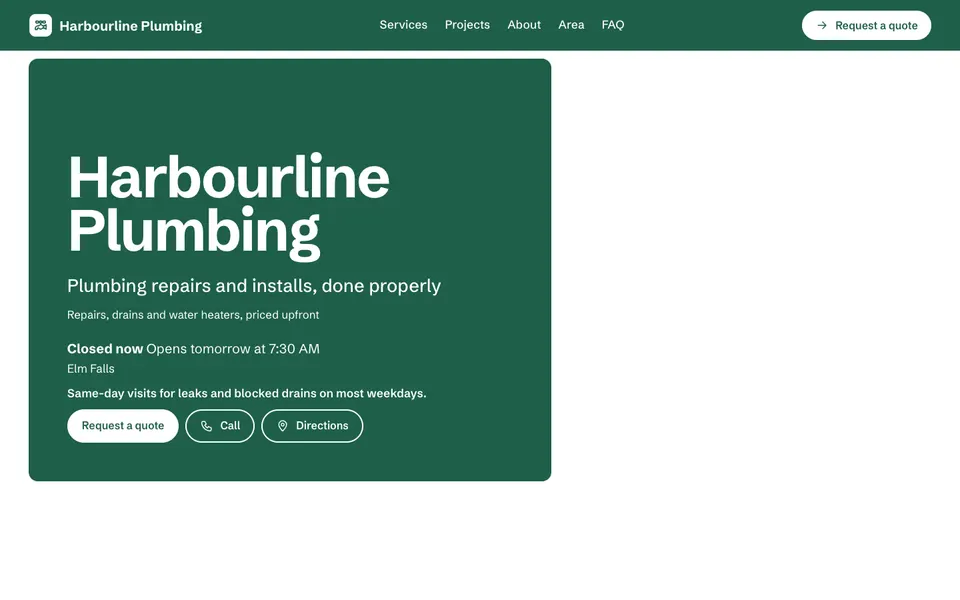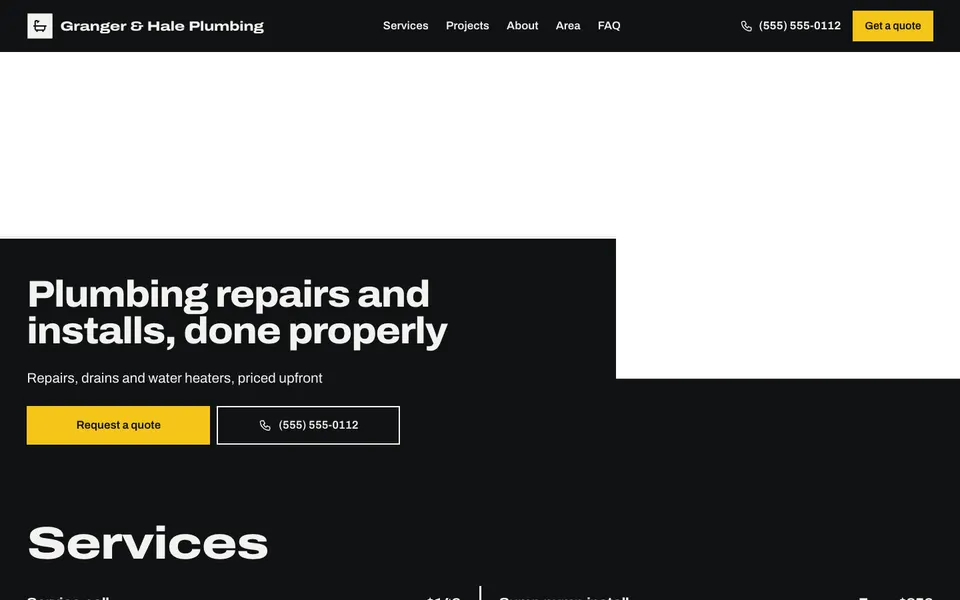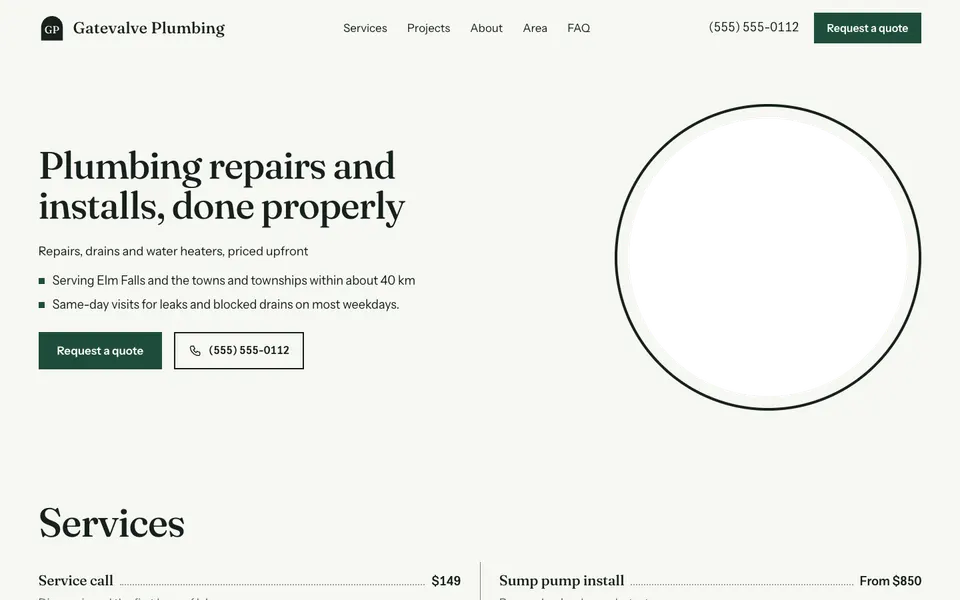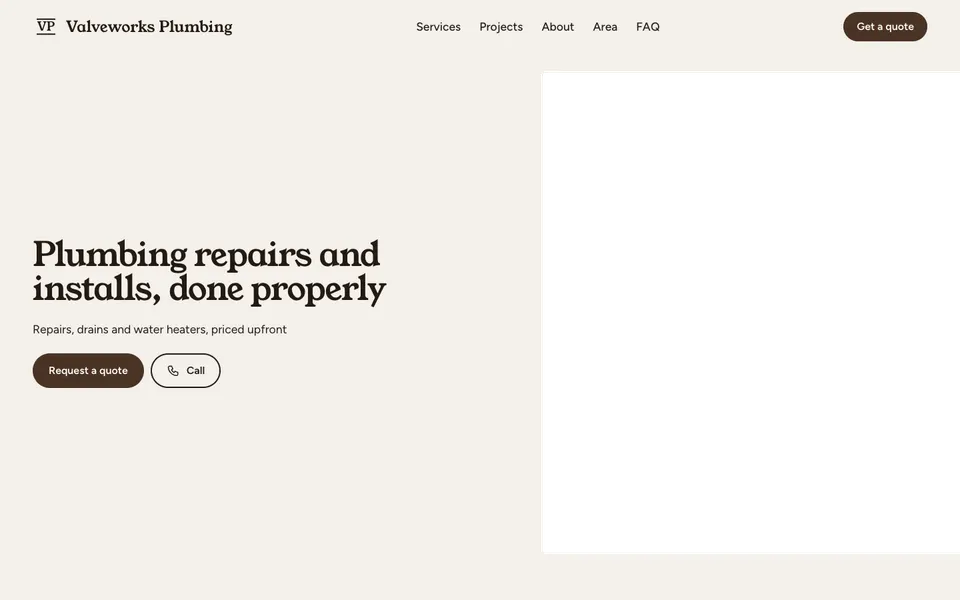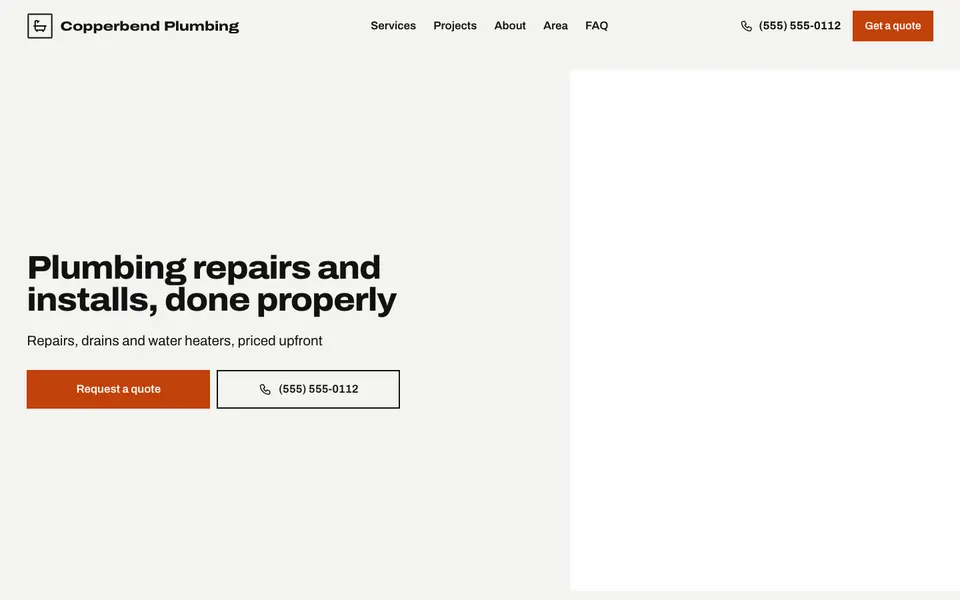
16 plumber templates that put your number first, then your services, service area and a quote form.
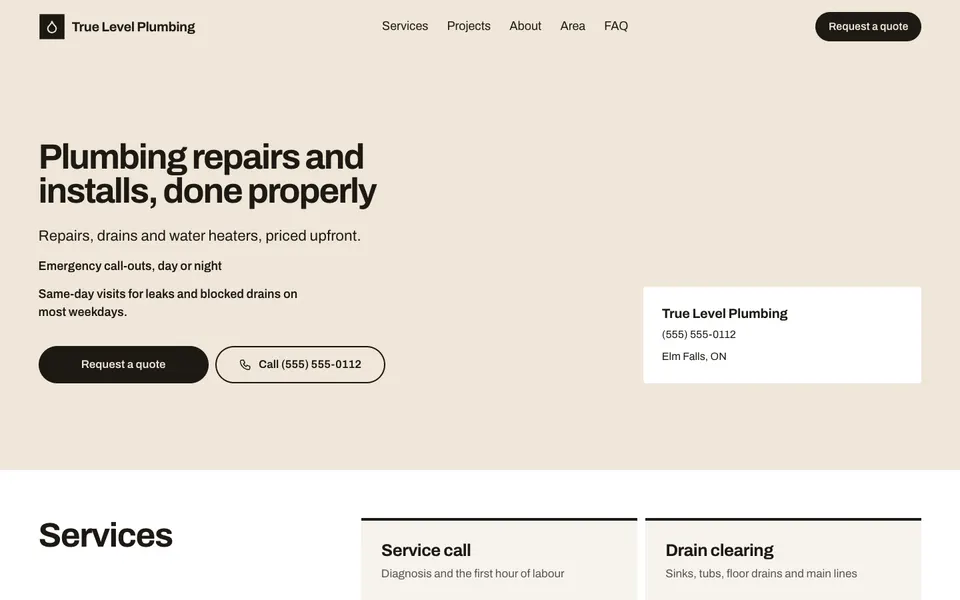

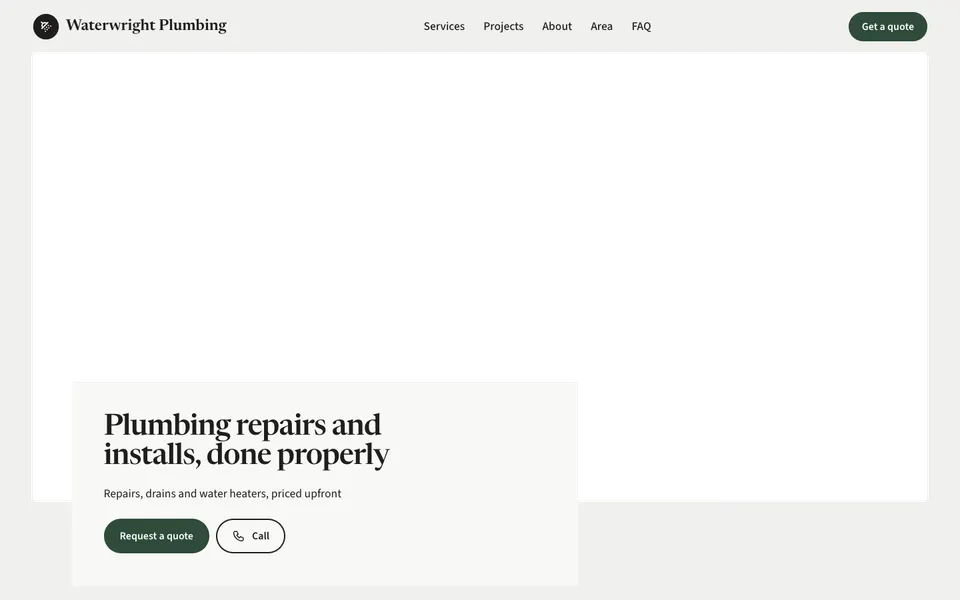


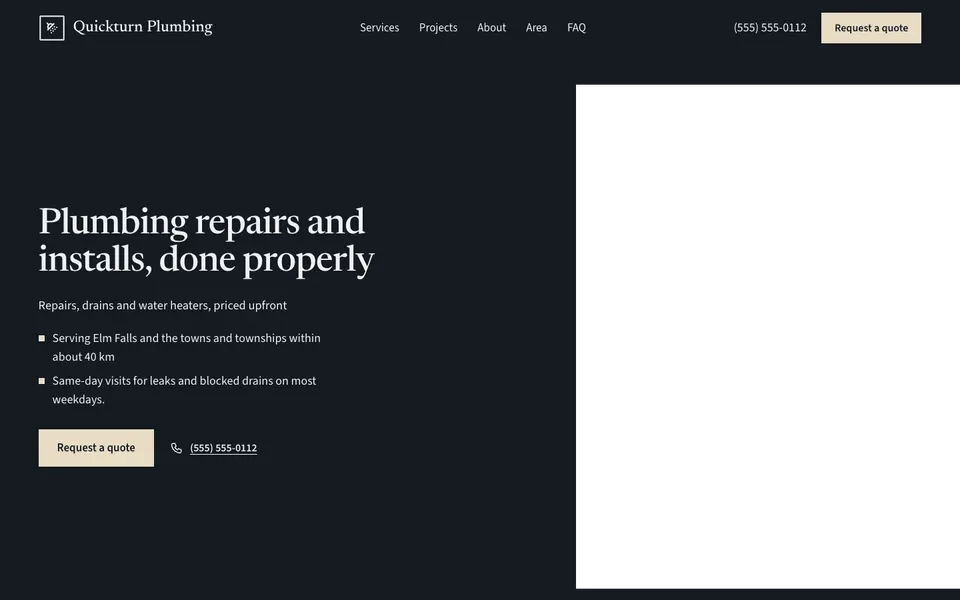


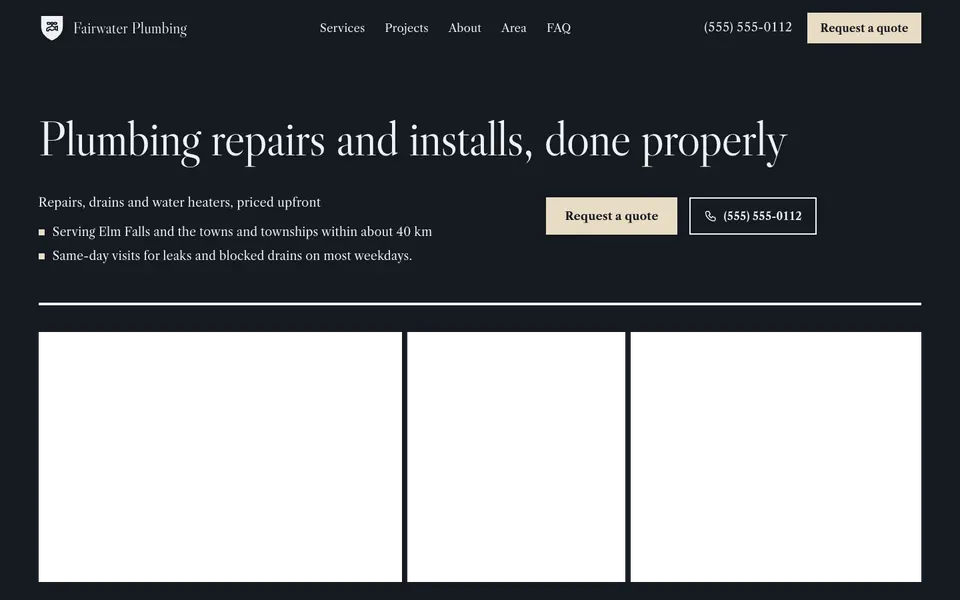


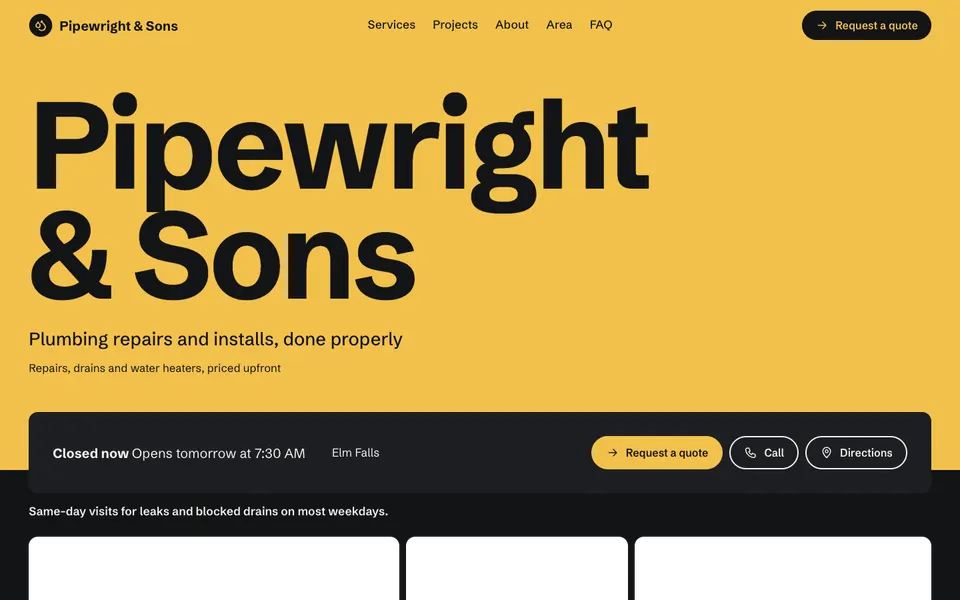


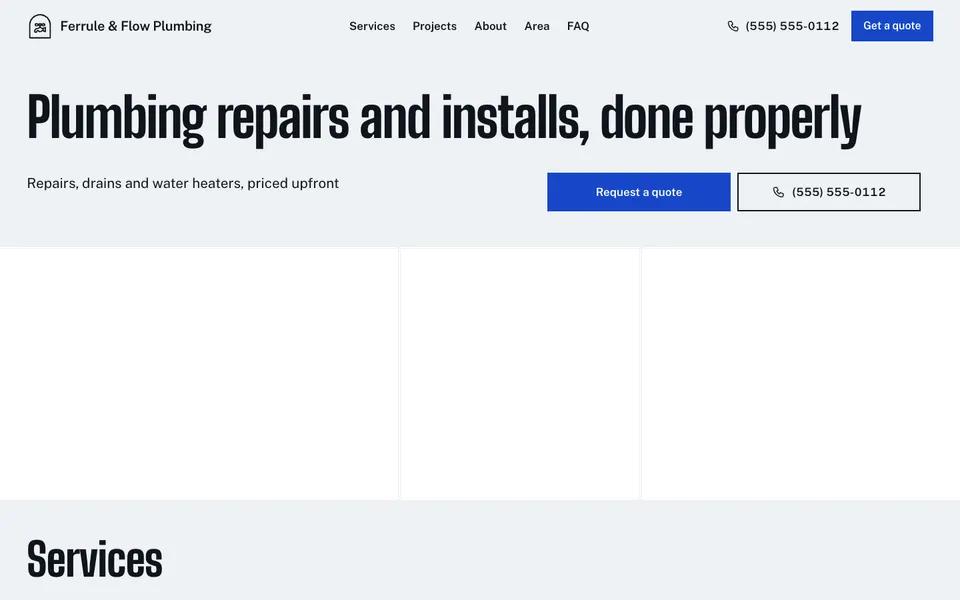


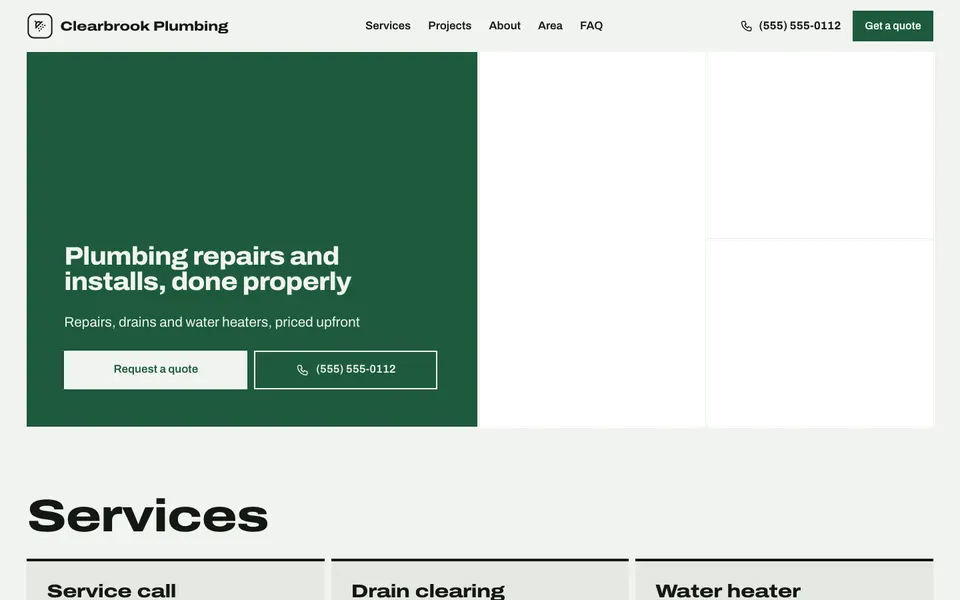

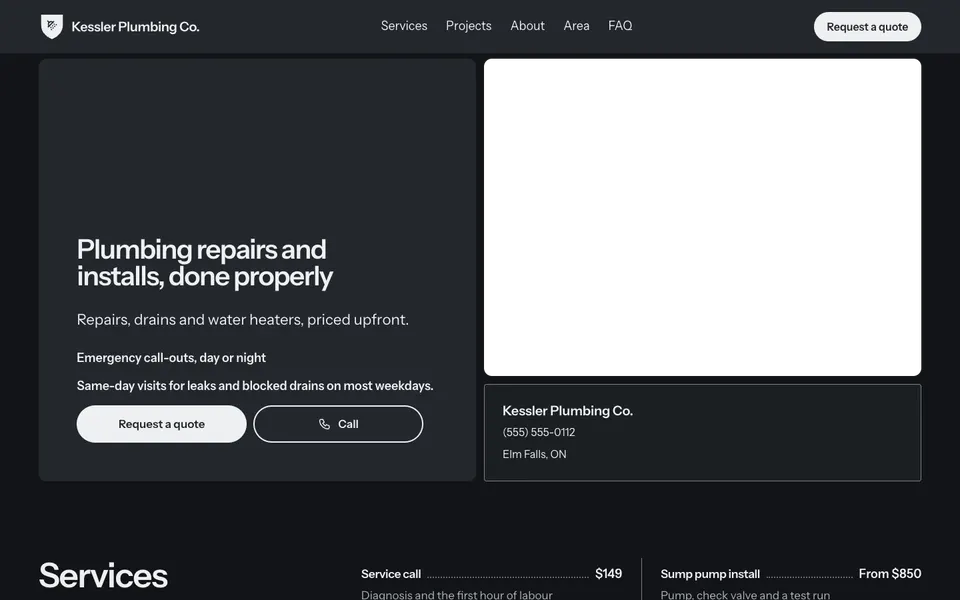

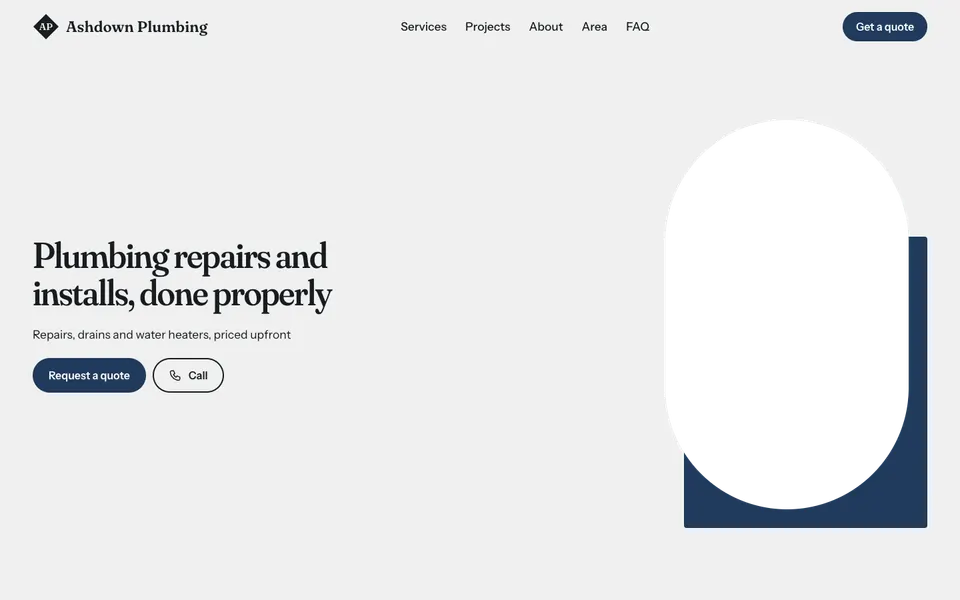
Most plumbing jobs start with a problem that won't wait, so a plumber's website has to get someone to call. Every template puts your number and a Call button at the top, with an availability line such as "Emergency call-outs 24/7" if you offer it.
Your services follow with from-prices (drain clearing, water heaters, renovations), then the area you serve, a Projects gallery and a quote form for jobs that can wait. A footer line holds your licence number. With Pro, the Team section shows your crew.
Start with your number, the towns you cover and three or four core services. Real photos of tidy finished work build more trust than any slogan, so add a few to Projects as jobs wrap up.
Yes. The service area section lists the places you cover, so people outside them know before they call.
To your inbox and your dashboard. Free shows the newest three requests, Pro shows every one.
Yes. Add it to the legal line, which appears in your website's footer. Check with your regulator for what you need to show.
Start with the closest kind of business, then change the look, colours and photos whenever you like.