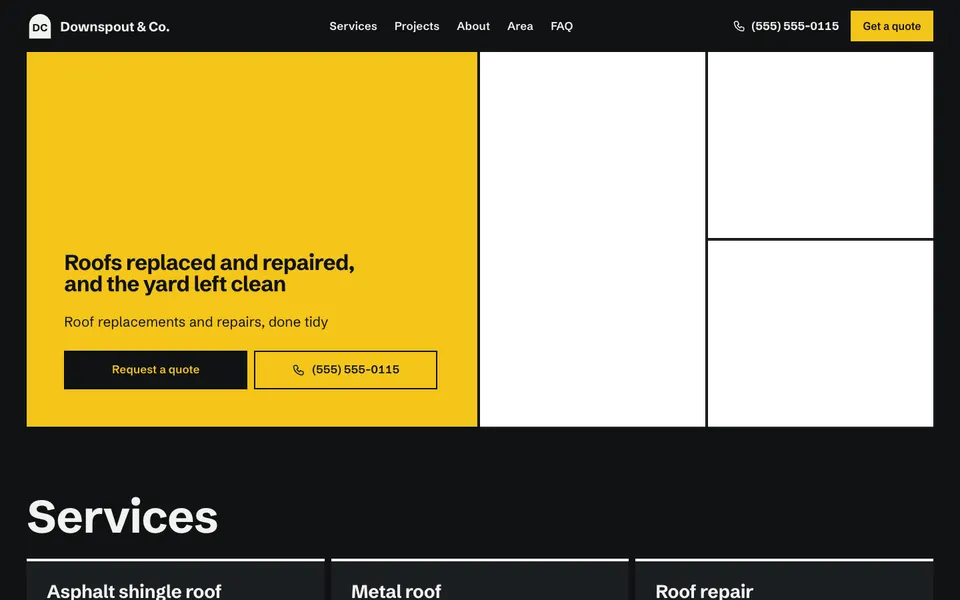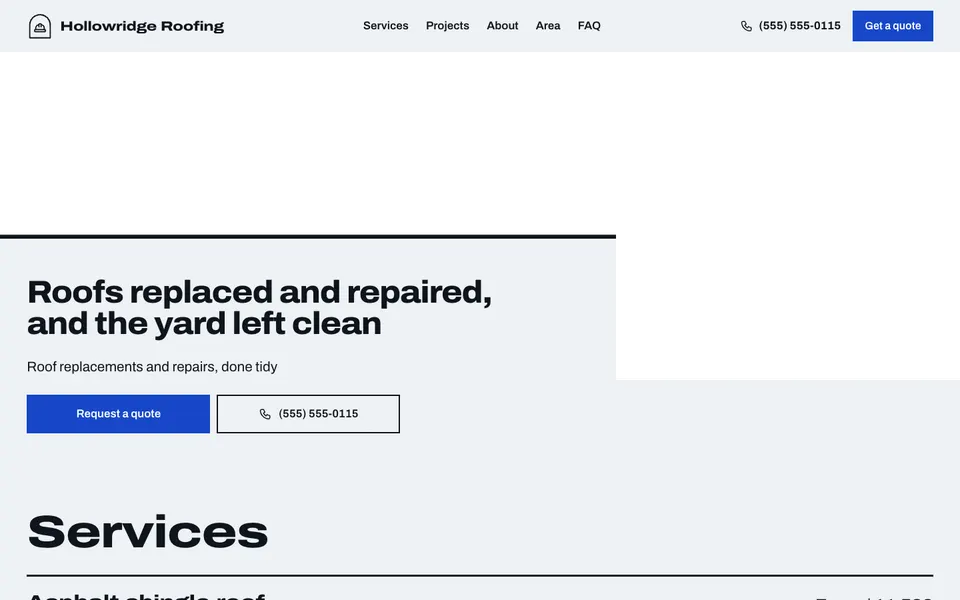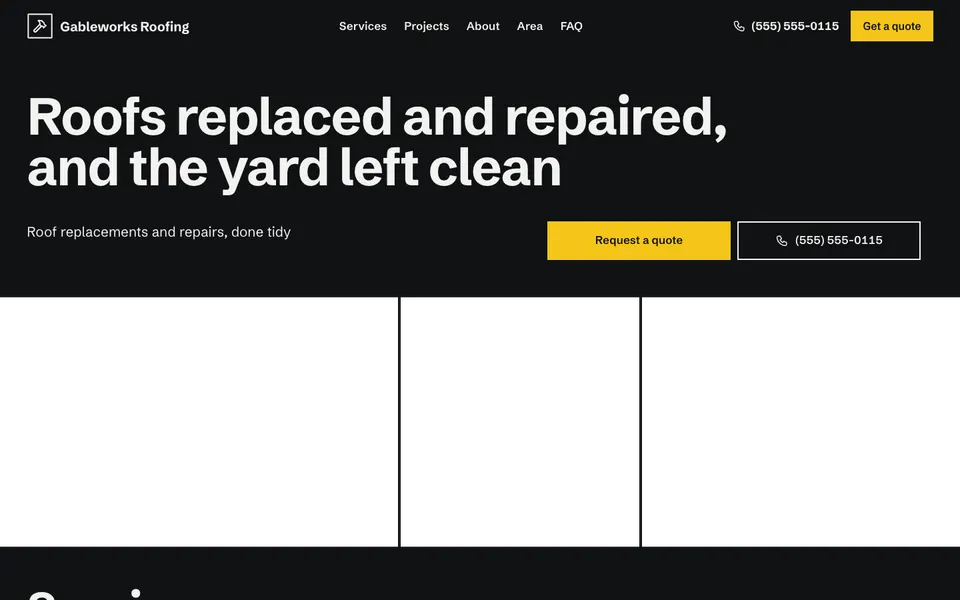
14 roofer templates built around your finished work, the area you cover and an easy way to ask for an estimate.

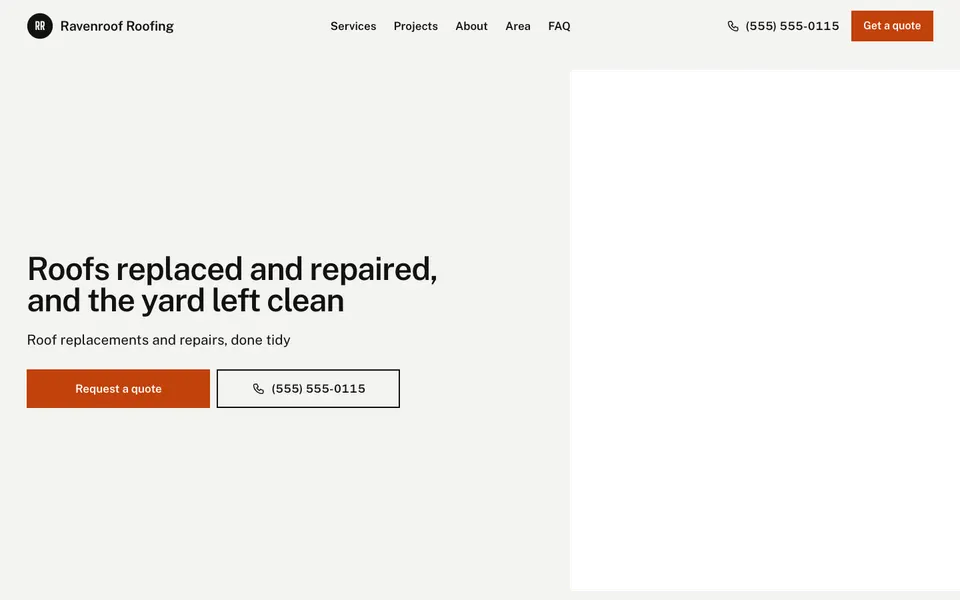

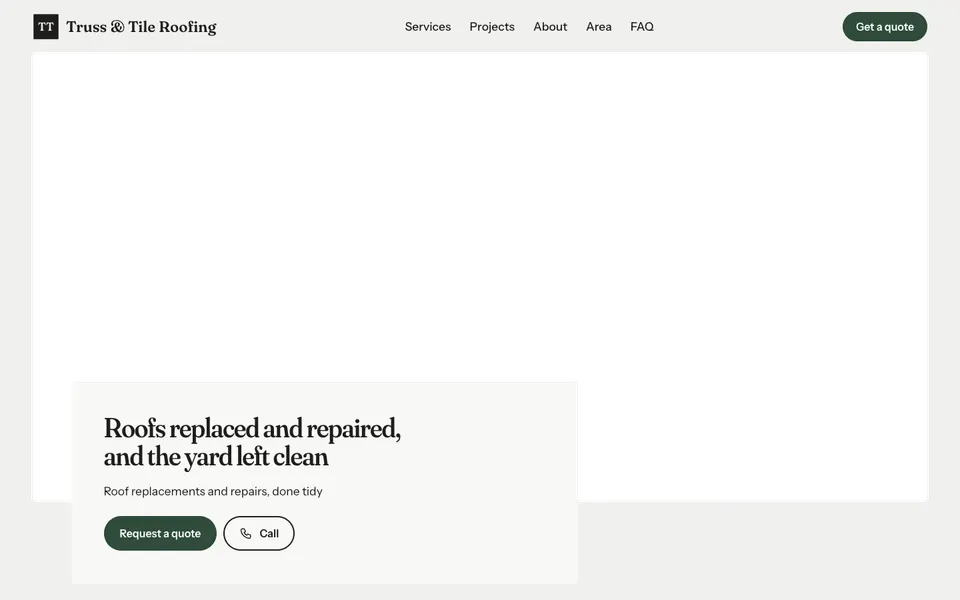


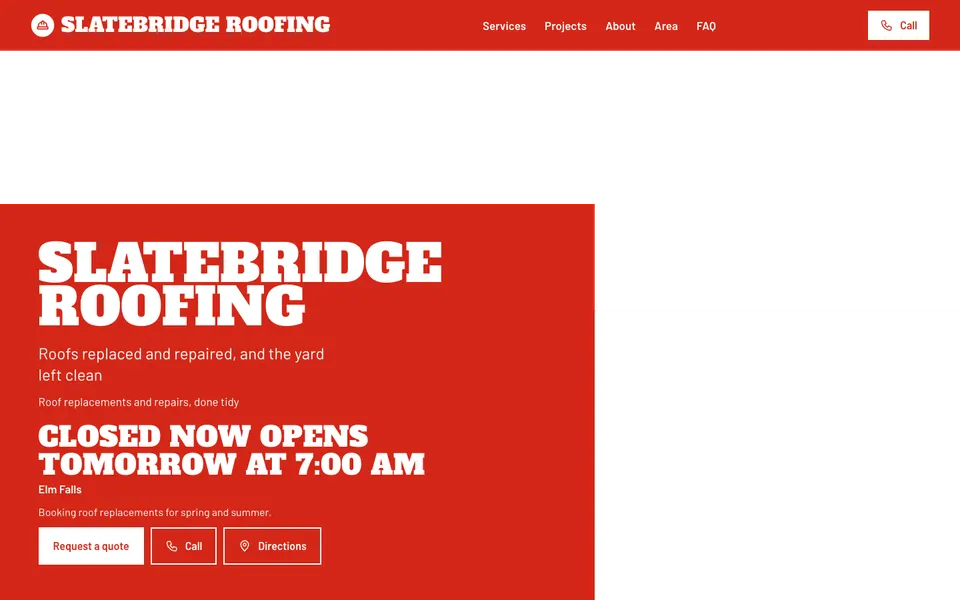


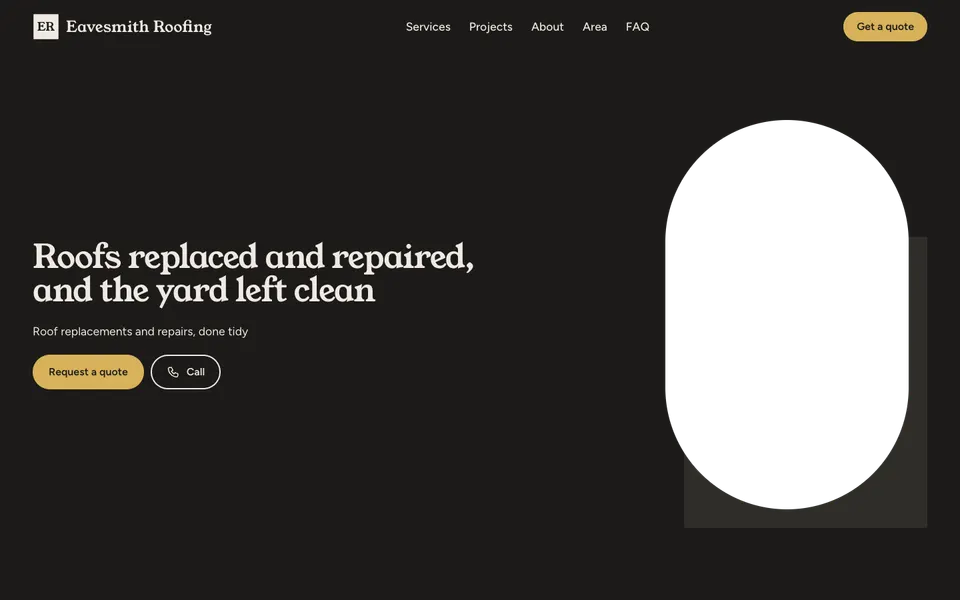

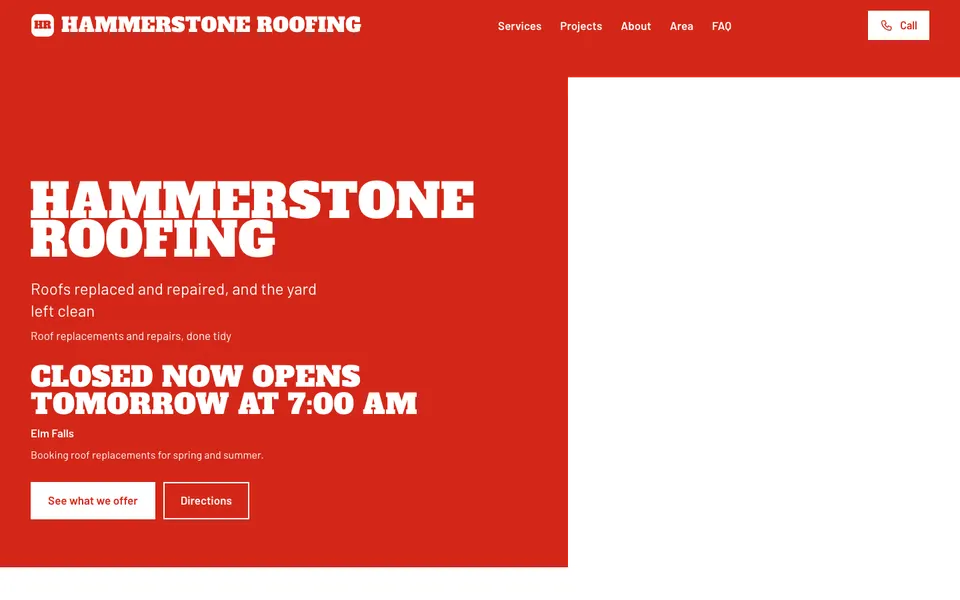
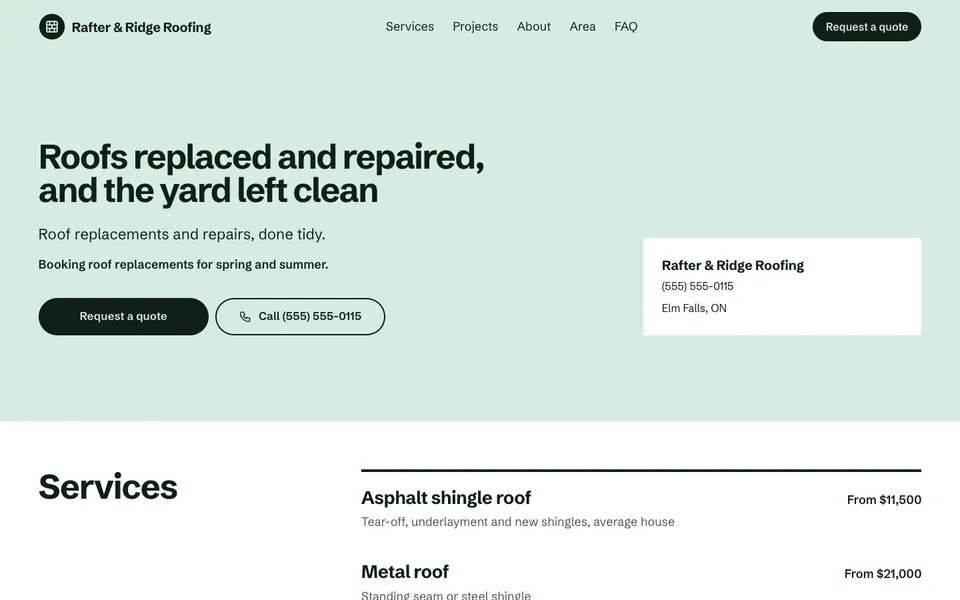

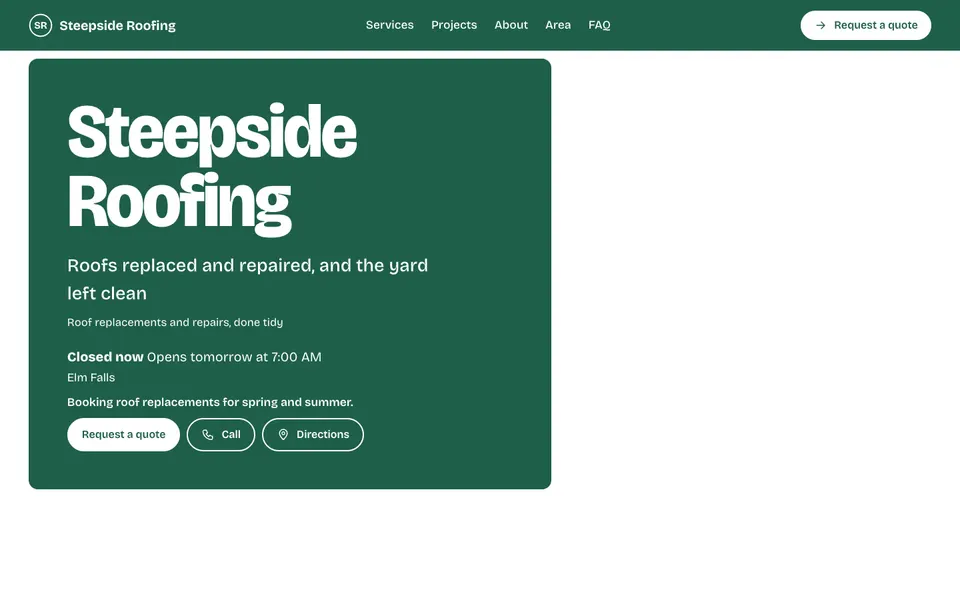
A roof is a big decision, so people want to see your work before they call. Every roofer template has a Projects gallery near the top, your services with from-prices (repairs, replacements, inspections) and a quote form for estimates.
The service area shows the towns you cover, the about section tells people how long you've been at it and how you work, and the availability line can mention storm repairs. With Pro, the Team section introduces your crew.
Start with your number, your service area and a handful of project photos, each with a short caption saying what you did. Say whether estimates are free and how soon you can come out, because that's often the deciding question.
Yes. Add them to the Projects gallery with a caption on each, such as "Before" and "After".
Yes. The quote form sends requests to your inbox. Free shows the newest three in your dashboard, Pro shows every one.
Yes. The service area section lists the towns or neighbourhoods you cover.
Start with the closest kind of business, then change the look, colours and photos whenever you like.