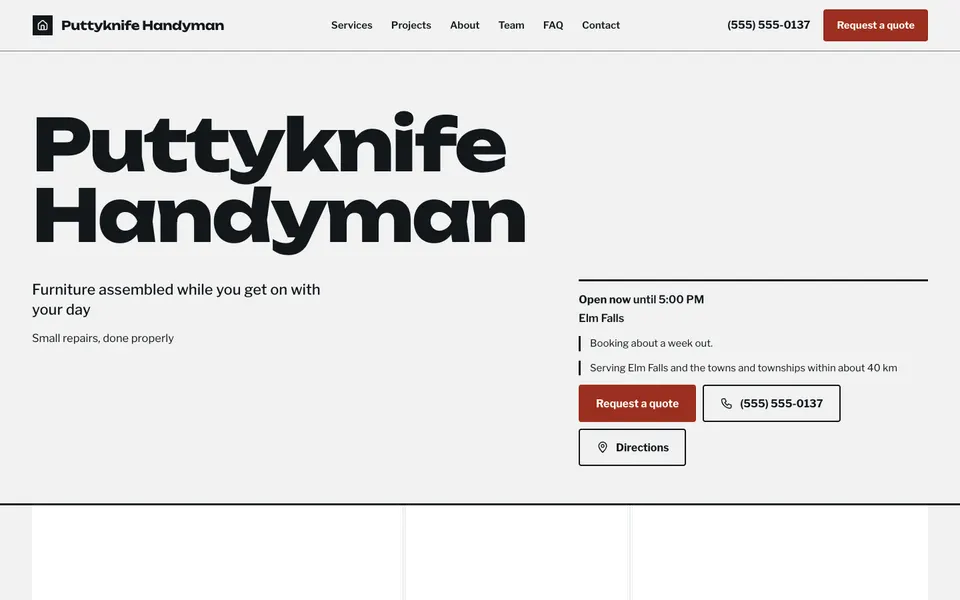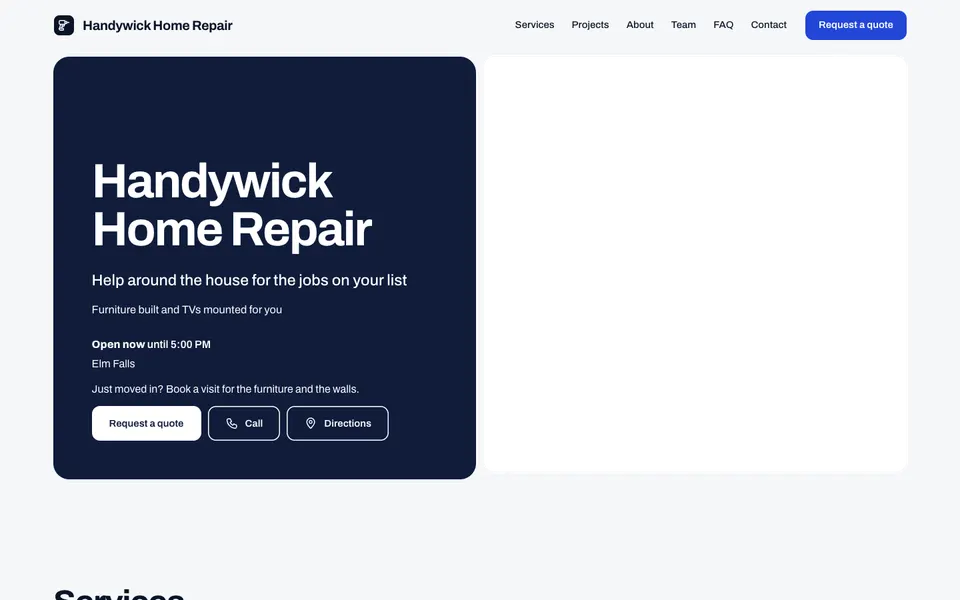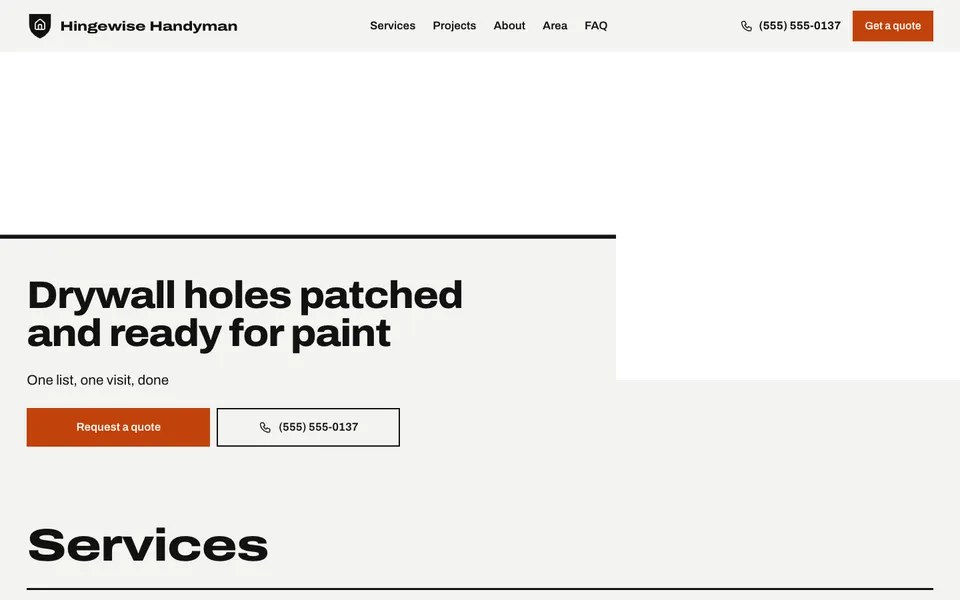
7 handyman templates with your jobs and prices, the area you cover and a quote form for the to-do list.
People looking for a handyman usually have a list, not one job, and want to know if you do the things on it. Every template lists your services with from-prices (assembly, TV mounting, drywall, doors, caulking), with your number and a Call button at the top.
A Projects gallery shows tidy finished work, the service area lists the towns you cover, and the quote form lets people send their list. Questions and answers are a good place to say what you don't do, such as wiring or gas work, and what your minimum charge is. With Pro, the Team section shows who'll come to the door.
Start with the jobs you do most, your hourly rate and the area you cover. A clear minimum charge helps people group small jobs into one visit.
Yes. The quote form takes a description of the work and sends it to your inbox. Free shows the newest three in your dashboard, Pro shows every one.
Yes. Add a service such as "Handyman visit" with its price and a description like "the first hour, then by the half hour".
Yes. Turn on questions and answers, which is free on every plan, and list what you leave to other trades.
Start with the closest kind of business, then change the look, colours and photos whenever you like.