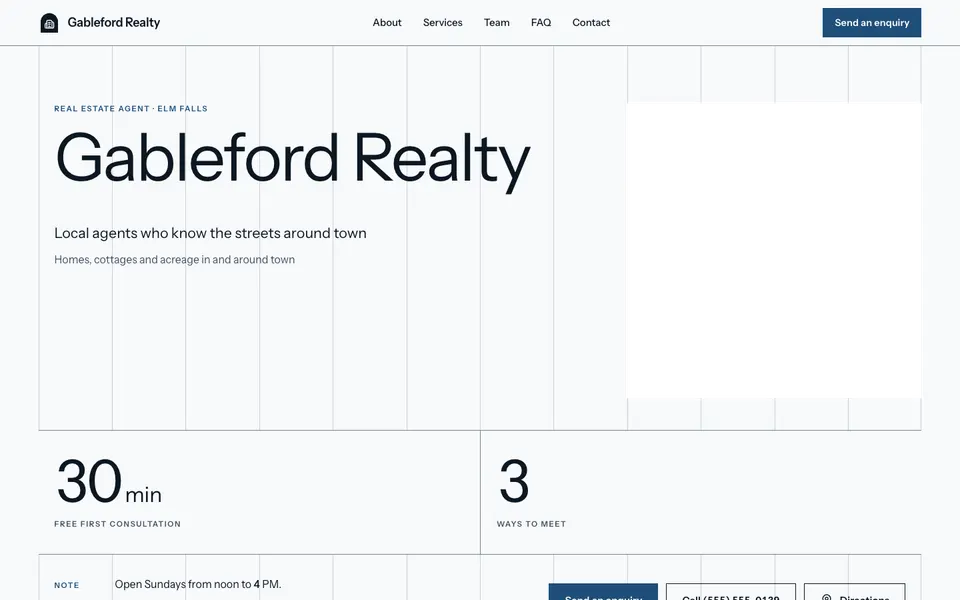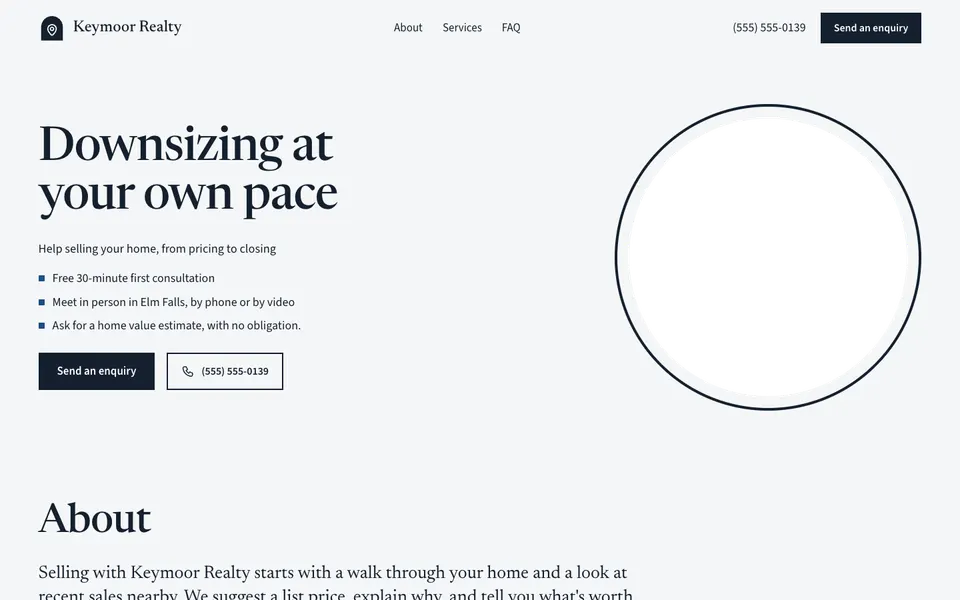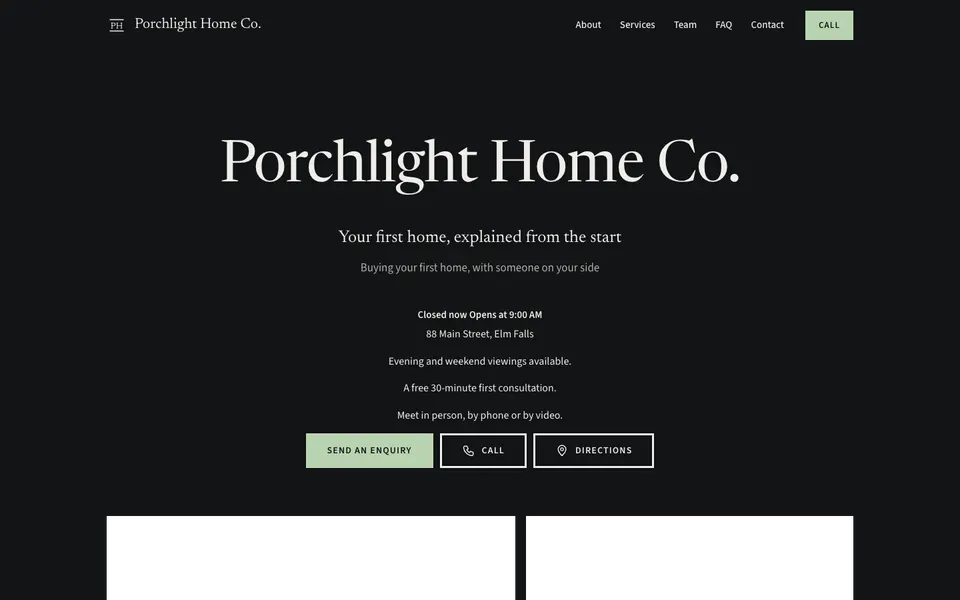
6 templates for real estate agents, built around how you help buyers and sellers and an easy first conversation.
Before they call, buyers and sellers want to know how you work and whether you know their part of town. Every template lists what you help with (selling, buying, first homes, downsizing, rural properties) with a short description each, and gives the about section room for your background and approach.
Questions and answers are on by default, a natural home for how pricing, offers and closing work. A Send an enquiry form brings home value requests and questions to your inbox, and meeting modes say whether you meet in person, by phone or by video. The legal line in the footer is the place for your brokerage details; check with your regulator for what your website must show. With Pro, the Team section introduces your team and a Book a consultation button opens your scheduling service.
Start with what you help with and how to reach you, then add a short note on the areas you know well.
Not as a live listings feed. You can turn on the gallery and add photos of featured homes with a caption on each.
In the legal line, which shows in your website's footer. Check with your regulator for what your advertising must include.
Yes. The enquiry form, on every plan, sends their message to your inbox, and you can list the estimate as one of your services.
Start with the closest kind of business, then change the look, colours and photos whenever you like.